



DISCOVER VIBRANT MINIMALISM WITH CREAM ICON PACK
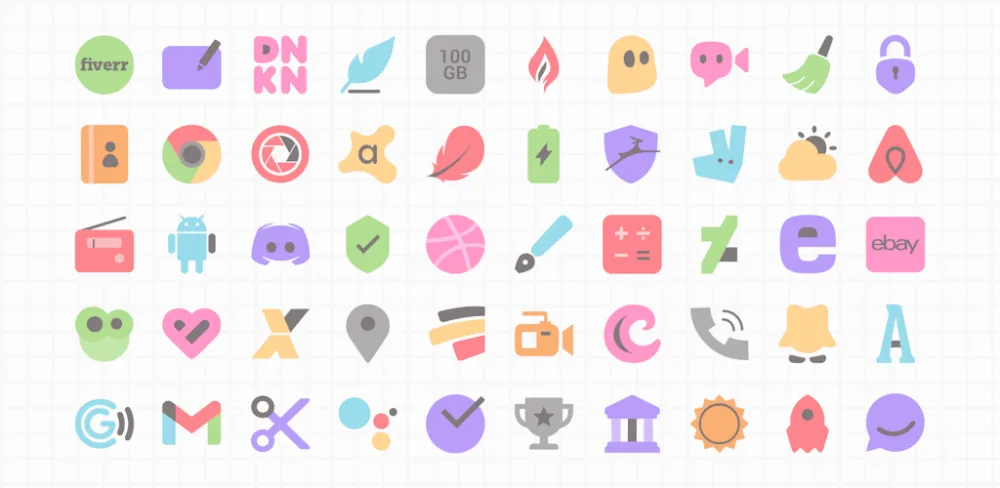
Cream Icon Pack refreshes Android with elegant, minimalist icons wrapped in soothing pastel colors. Designed for light backgrounds, the subtly shaded icons stand out with clean style. Pick from over 5,000 handcrafted icons spanning apps to settings and more. Dynamic calendar support provides fresh monthly icons. Tailor icon requests for unmatched personalization. Seamlessly apply to any leading launcher like Nova with universal 192×192 sizing. Zero ads ensure clutter-free experience. With its peaceful color palette and adaptable minimalism, Cream Icon Pack brings a breath of fresh air to your home screen.
SOOTHING PASTEL COLOR PALETTE FOR MINIMALIST ICON DESIGN
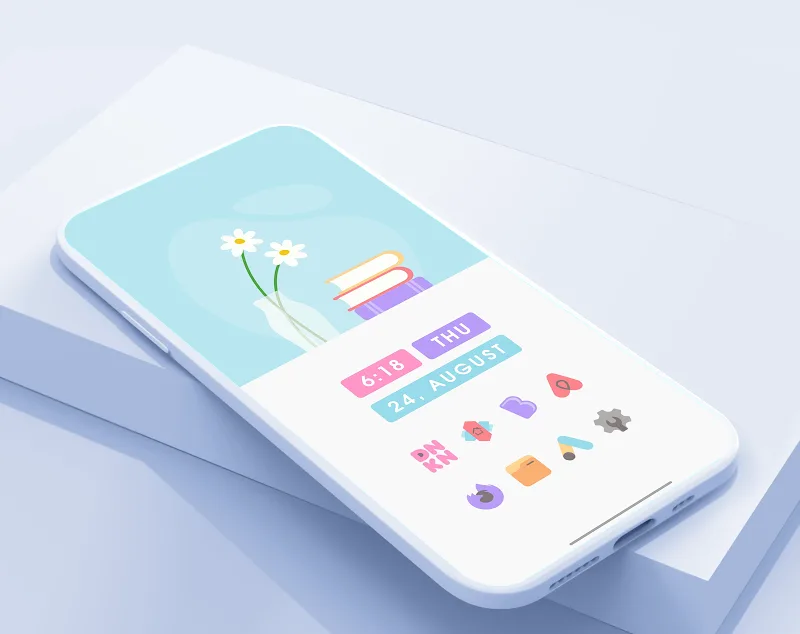
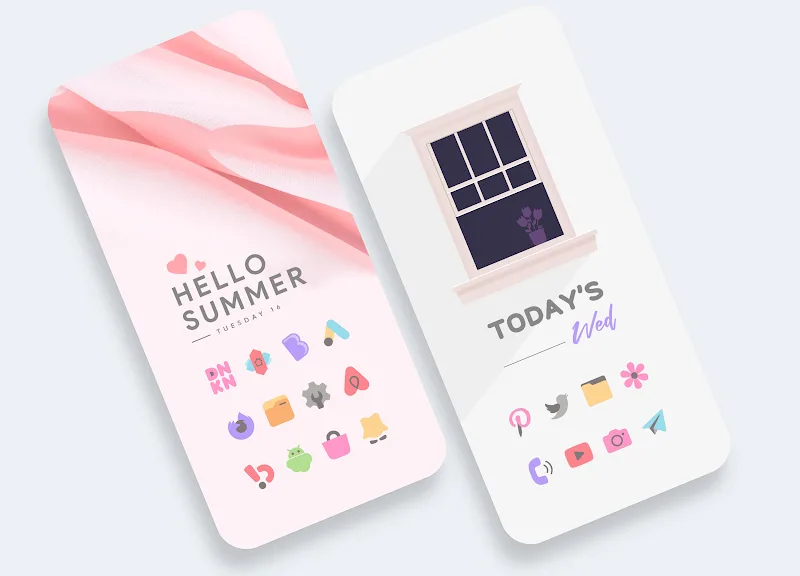
At its core, Cream Icon Pack delivers minimalist app icons wrapped in soft pastel cream, grey and white tones perfect for light wallpapers. The soothing palette creates a peaceful ambiance. Clean, sparse shapes and subtle lines result in elegantly minimalist icon designs that stand out. From weather to messaging and camera apps, simplicity reigns.
UNIVERSAL 192X192 SIZING FOR TOP LAUNCHER INTEGRATION
A key aspect is universal 192×192 icon sizing ensuring quick, seamless integration with all leading Android launchers like Nova. With a few taps, you can apply a completely fresh minimalist look across your home screen, app drawer and settings. Gone are the days of overly complex icon packages. Enjoy intuitive minimalism.
ENDLESS CUSTOMIZATION FROM MONTHLY CALENDARS TO ICON REQUESTS
Additionally, customization options like dynamic calendar icons providing fresh monthly designs, and icon request tools allow limitless personalization to make your home screen truly your own. Request tweaks to existing icons or all new designs to fit your wildest dreams.
STRICTLY AD-FREE FOR CLUTTER-FREE SERENITY
Moreover, Cream Icon Pack maintains a strictly ad-free experience without banners or popups. This removes visual clutter to let your crisp, minimalist icons shine. The focus stays on creating peaceful ambiance. Your home screen provides serenity, not sales pitches.
With its elegant pastel design, seamless integration, personalization and ad-free experience, Cream Icon Pack brings relaxed minimalism to your home screen.















Comments (0)
No comments yet. Be the first!