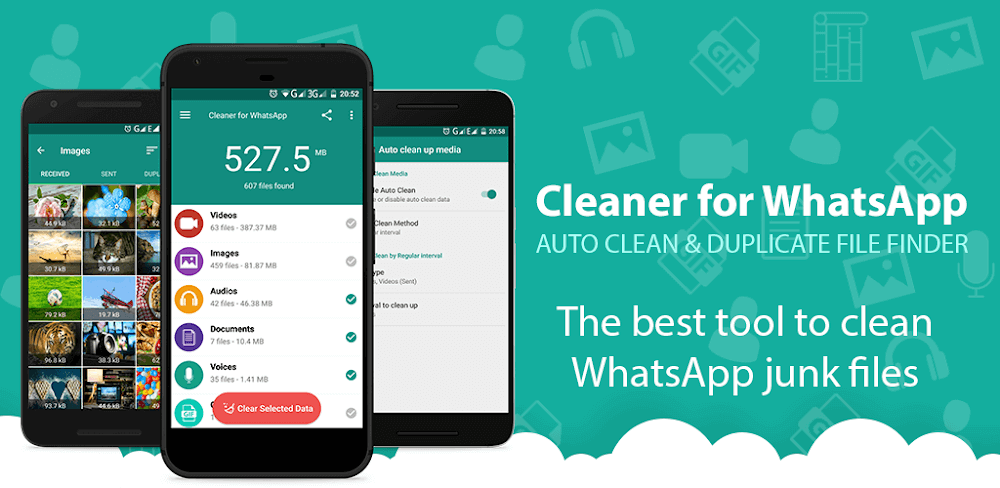

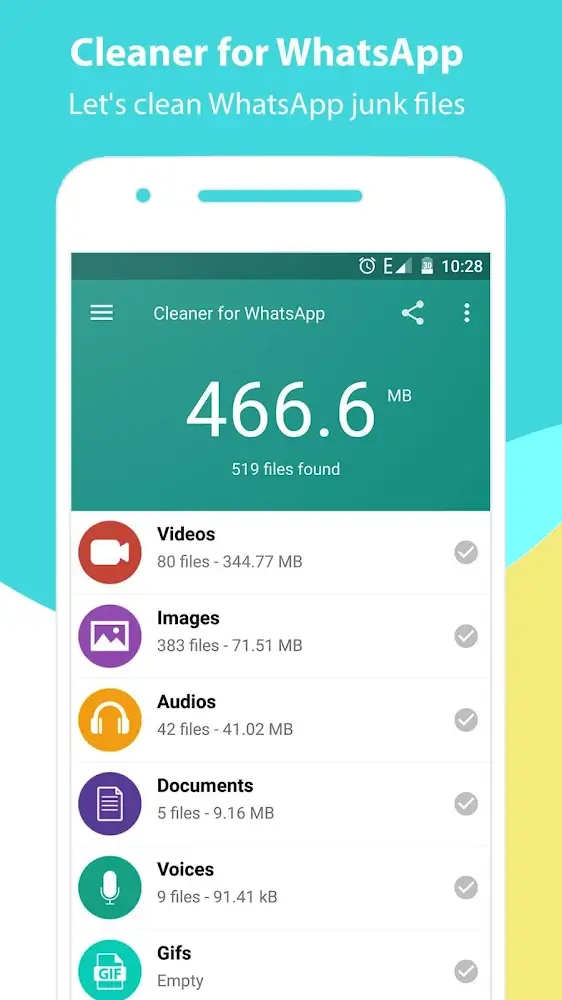

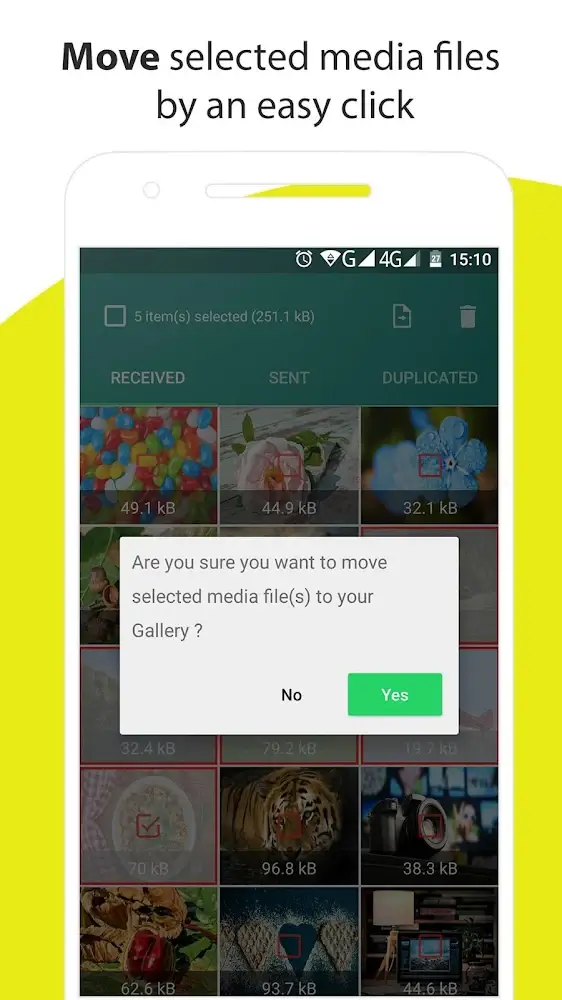
Cleaner for WhatsApp is an application that helps you manage Whatsapp medias files and delete unnecessary files. This deletion will be done carefully as the application allows users to preview the files they are about to delete. At the same time, from time to time, users can also set automatic deletion orders under a specific condition and back up the files they consider important so that they can be restored later.
REMOVE UNNECESSARY FILES
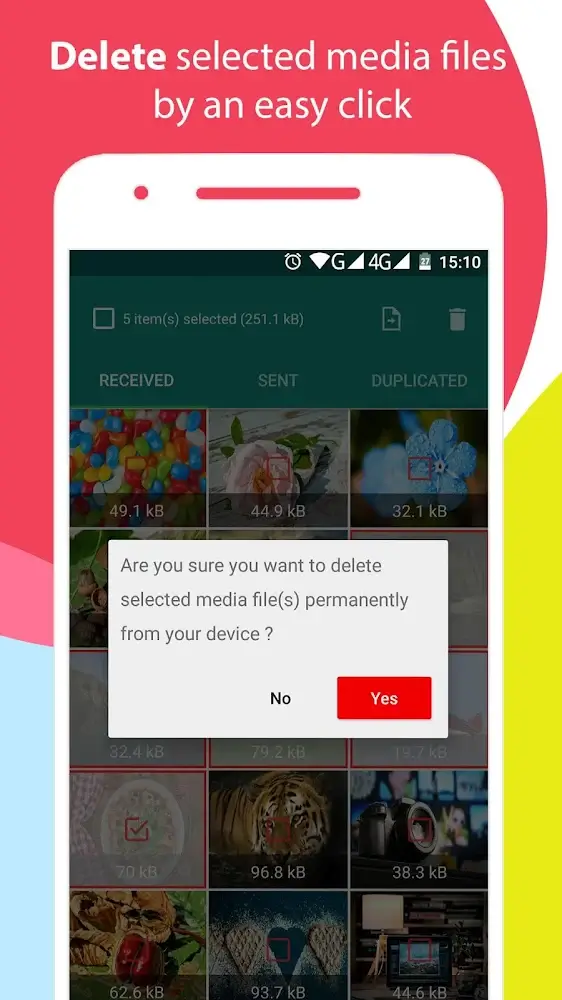
While using Whatsapp, you will be able to see the files that you do not want to use or store; Cleaner for WhatsApp will help you to remove them. You will be able to delete files that you don’t need with two main deletion modes: single file deletion or batch deletion, depending on your intended use. At the same time, users will be able to find useful features in managing media files on Whatsapp.
FILTER FILES EASILY
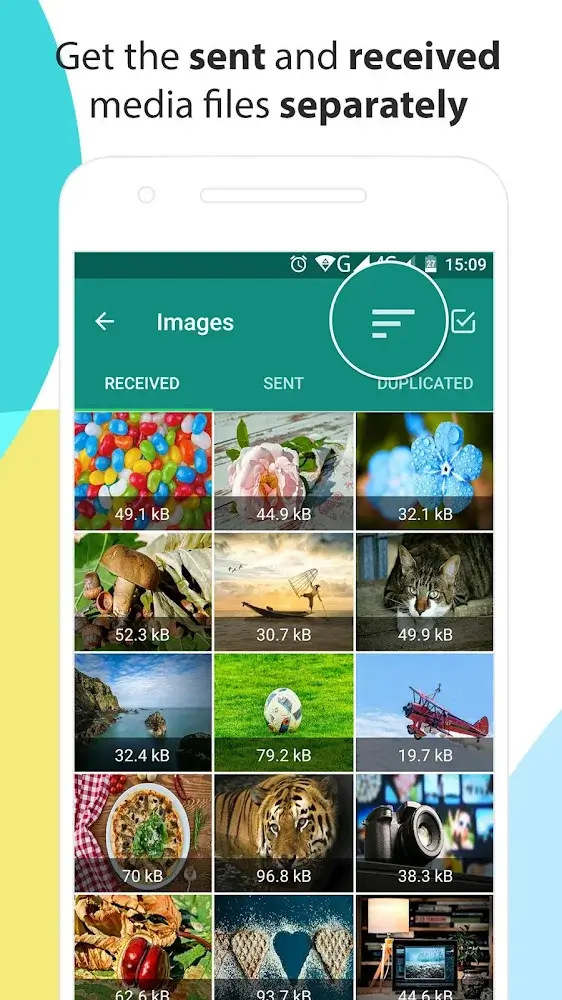
Finding Whatsapp media files is made easy through Cleaner for WhatsApp. Users will be able to quickly filter these files through different criteria and especially sort by size and date of appearance. At the same time, users can identify files with duplicates to delete and keep only one file of good quality. In addition, users can also fully manage the files that they are about to delete.
MANAGE AND VIEW BEFORE CLEANING
Before you prepare to delete files with Cleaner for WhatsApp, you should check them first using the application’s status feature. Specifically, users will be able to know the status of these files and preview their content to decide to delete. The deletion process will be done after a period of consideration and preview of these files. So users won’t lose important files or have interesting content.
AUTOMATICALLY CLEANS ACCORDING TO YOUR SETTINGS
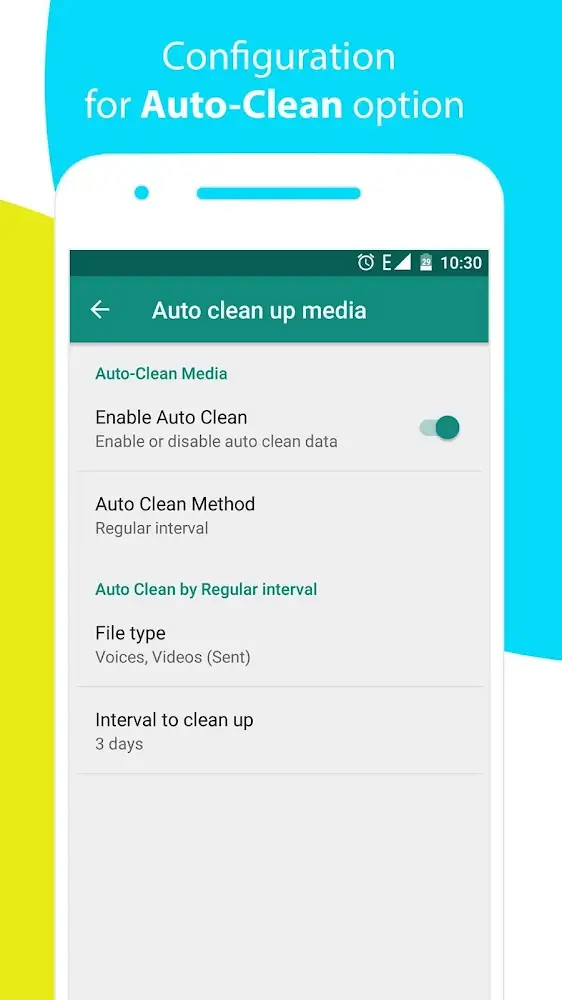
Besides, you must always check and delete unnecessary files; you can enable or disable the auto-delete feature of the application. This feature will be operated under conditions such as regular operation or the capacity has reached a predefined limit. At the same time, this automation will often be done in some cases and requires user consideration to store or delete files correctly.
BACKUP IMPORTANT FILES ON WHATSAPP
One feature that any user will need to pay attention to is backing up the files they care about. Specifically, users will be able to see the files they receive and store them on their devices. The backup will help users quickly restore these files if their device has problems and needs to be transferred to another device. So, the deletion and backup will be continuously performed in the device.










Comments (0)
No comments yet. Be the first!