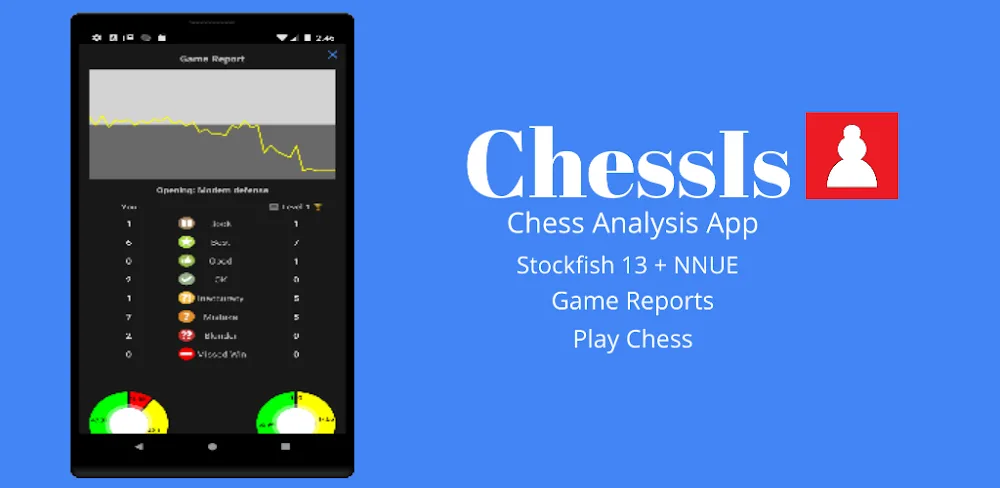

Looking to analyze your chess games and improve your skills? The ChessIs app leverages powerful Stockfish AI to assess your play and provide insights to advance as a player. Read on to see how ChessIs revealing blunders and missed wins can boost your rating.
ROBUST GAME ANALYSIS
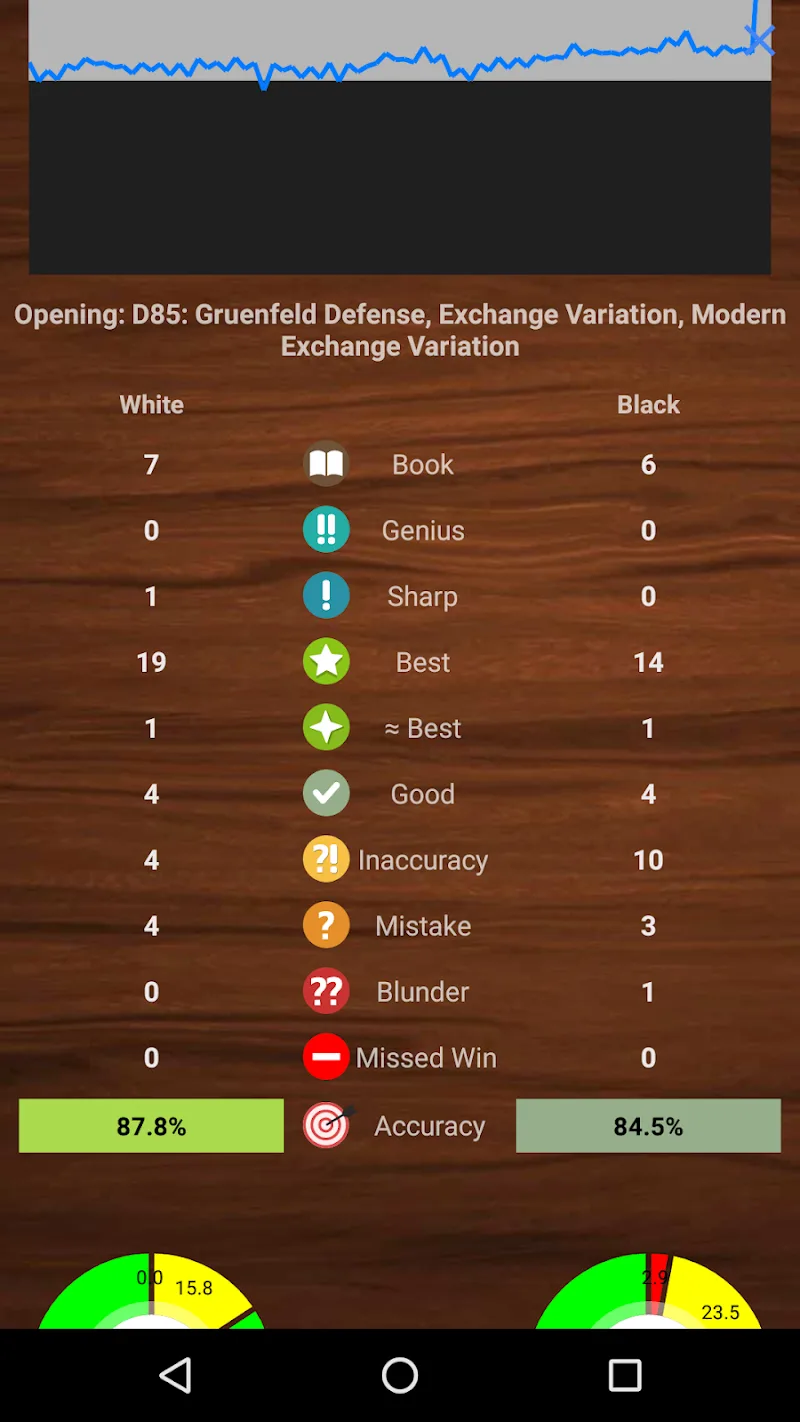
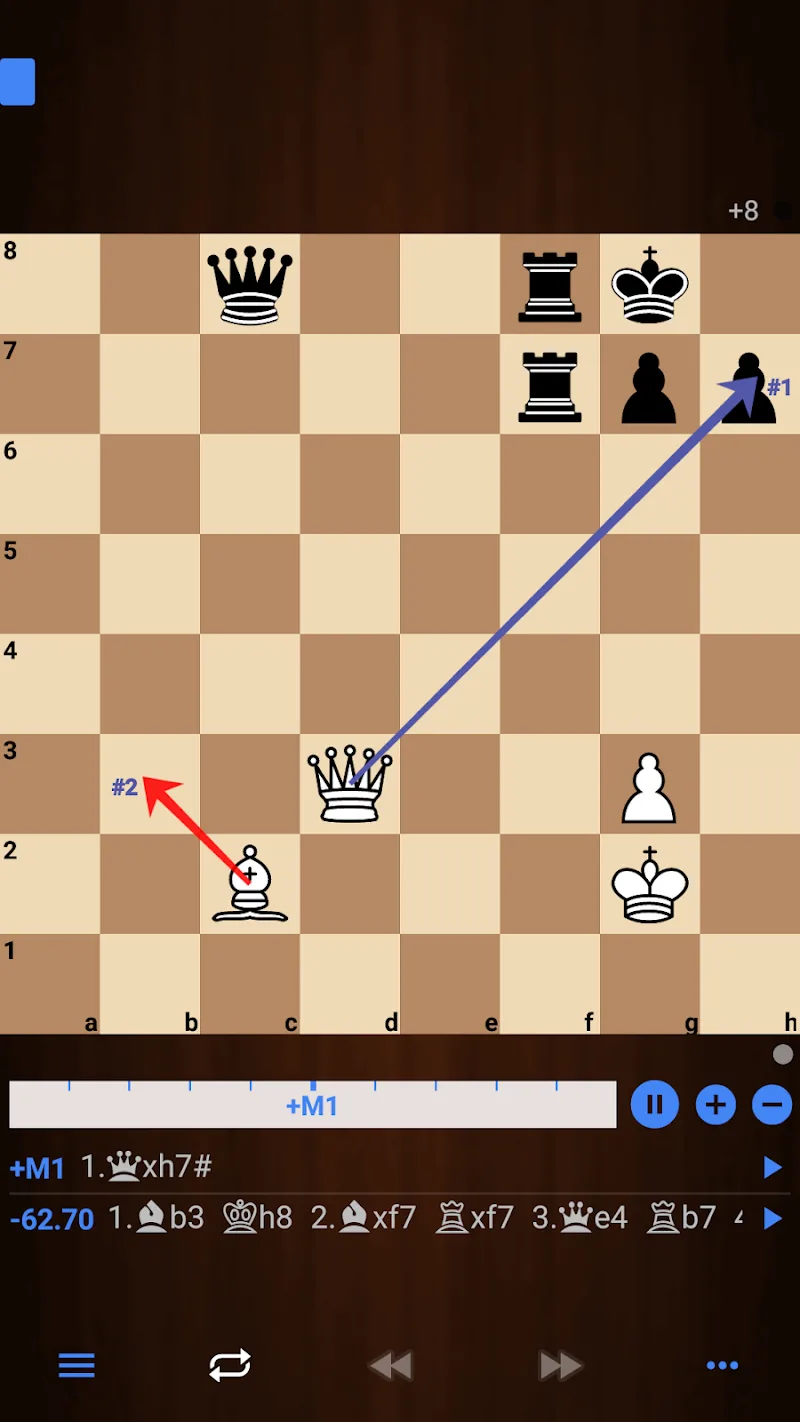
At the core of ChessIs lies professional-grade game analysis. Feed the app a record of your games in PGN format. ChessIs scans each move with Stockfish’s expert vision to generate an annotated report spotlighting blunders, mistakes, inaccuracies, and missed wins. Gain understanding of where games were won or lost. Identify recurring weaknesses in your play to address. Game assessment is the path to progress.
BLUNDER ALERTS AND EXPLANATIONS
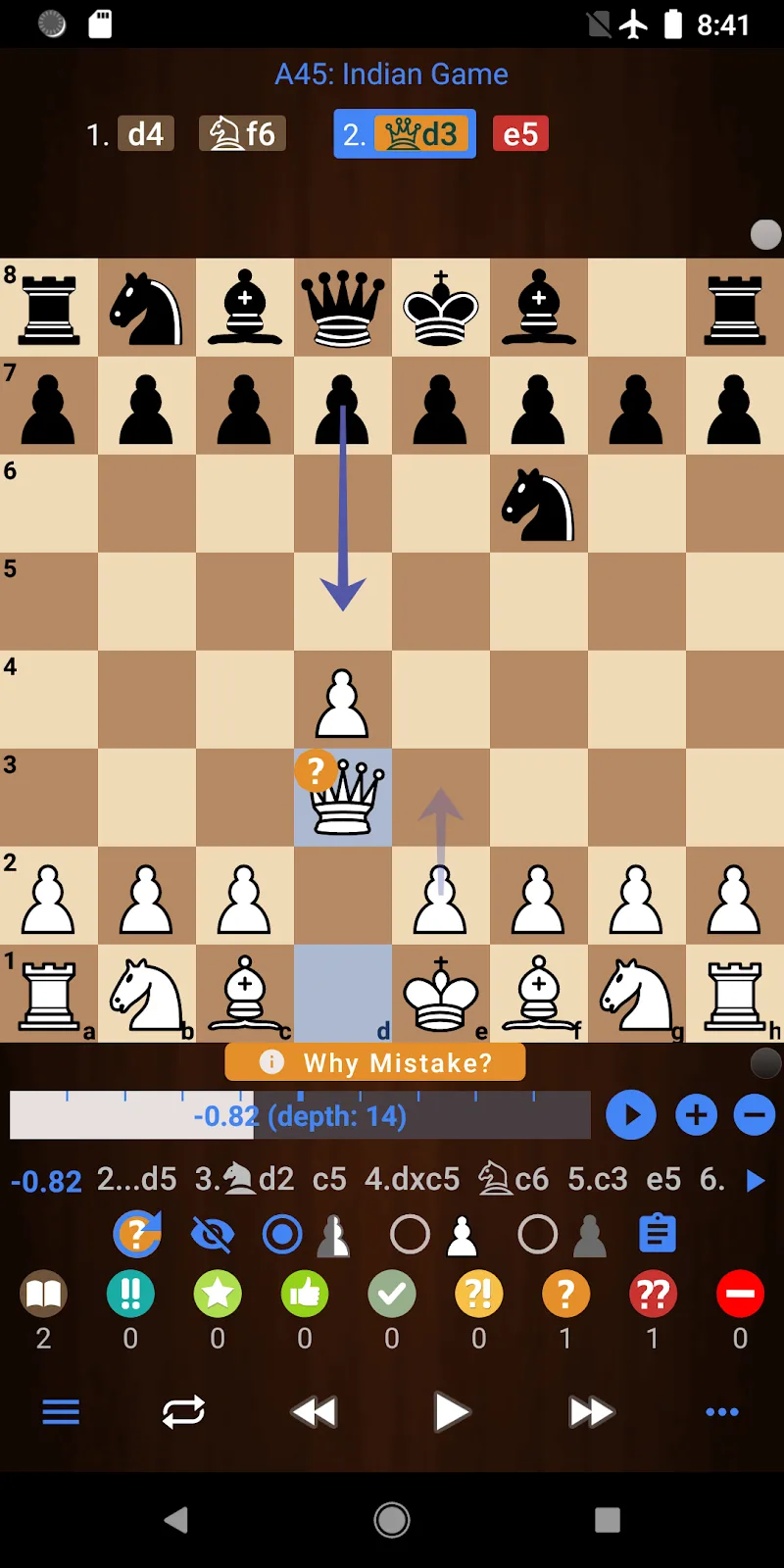
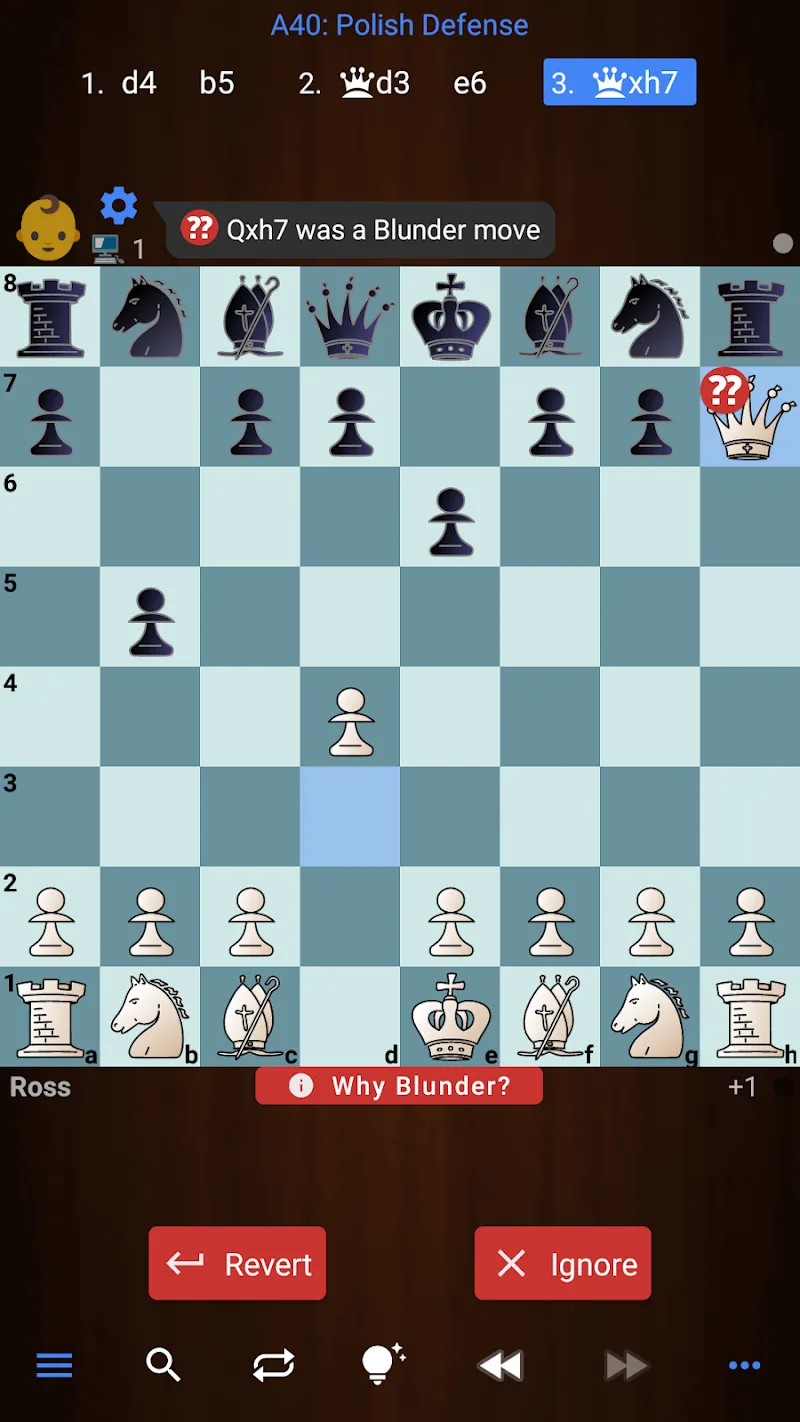
To help avoid repeated pitfalls, ChessIs highlights costly blunders with alerts during analysis. Even more valuable, the app provides commentary explaining exactly why the move was a major error and how your opponent can capitalize on it. Learning the strategic logic behind mistakes reinforces lessons to help engrain positive patterns. Avoid future disaster scenarios.
POSITION SETUP AND EVALUATION
Beyond full game reports, easily configure any board position you want to analyze with ChessIs. The app assesses who stands better in the custom position and why – perfect for unpacking opening, middlegame, and endgame nuances. Experiment by tweaking positions to grasp how small changes impact valuation by the engine. Isolate key concepts.
COMPUTER OPPONENT
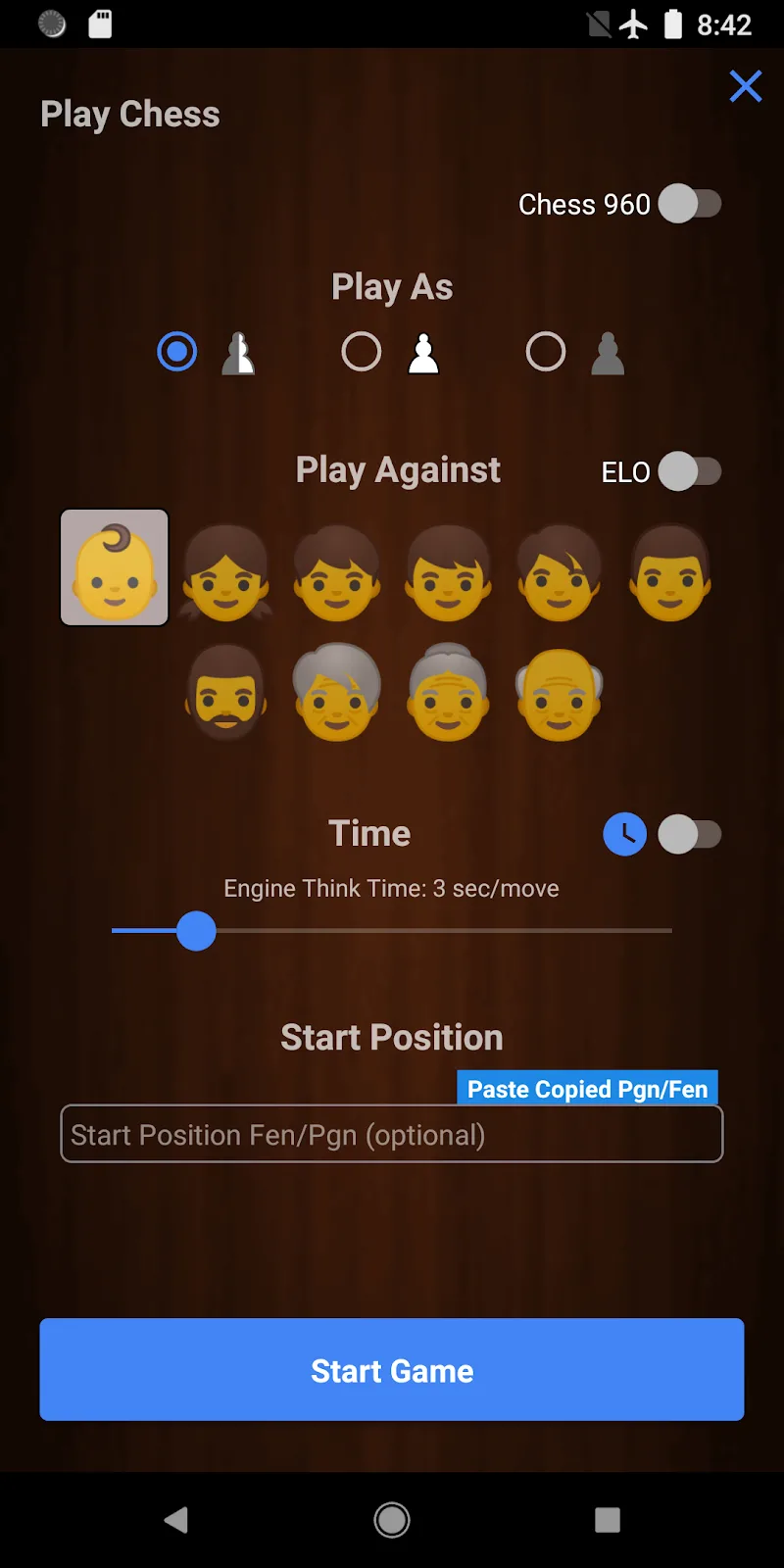
Up your game by playing against ChessIs’ Stockfish engine. Set your desired difficulty level and square off against the computer. The more you’re challenged, the more you improve. To build specific skills, configure specialized matches like openings you want practice or endgames to master. Strategic training accelerates development.
PLAY AND LEARN FEATURE
Take the “Play and Learn” challenge to grow as you play against the engine. For each move you’re evaluated on whether it was a mistake, inaccuracy, blunder, or the best move. Over time you minimize mistakes as ChessIs progressively trains you to think strategically. Make every game an enriching learning experience.
CUSTOMIZATION OPTIONS
Tailor the knowledge building to your style. Set flexible analysis parameters like speed, depth, and considering multiple computer move options. Adjust the reporting threshold for mistake categories. Change warnings and alert sensitivity to your level. ChessIs shapes insights around your needs and is highly customizable.
Unlock your full chess potential with the robust analysis and computer opponent of ChessIs! Identify your weaknesses, train openings, avoid repeated mistakes, and track your rating rise.










Comments (0)
No comments yet. Be the first!