
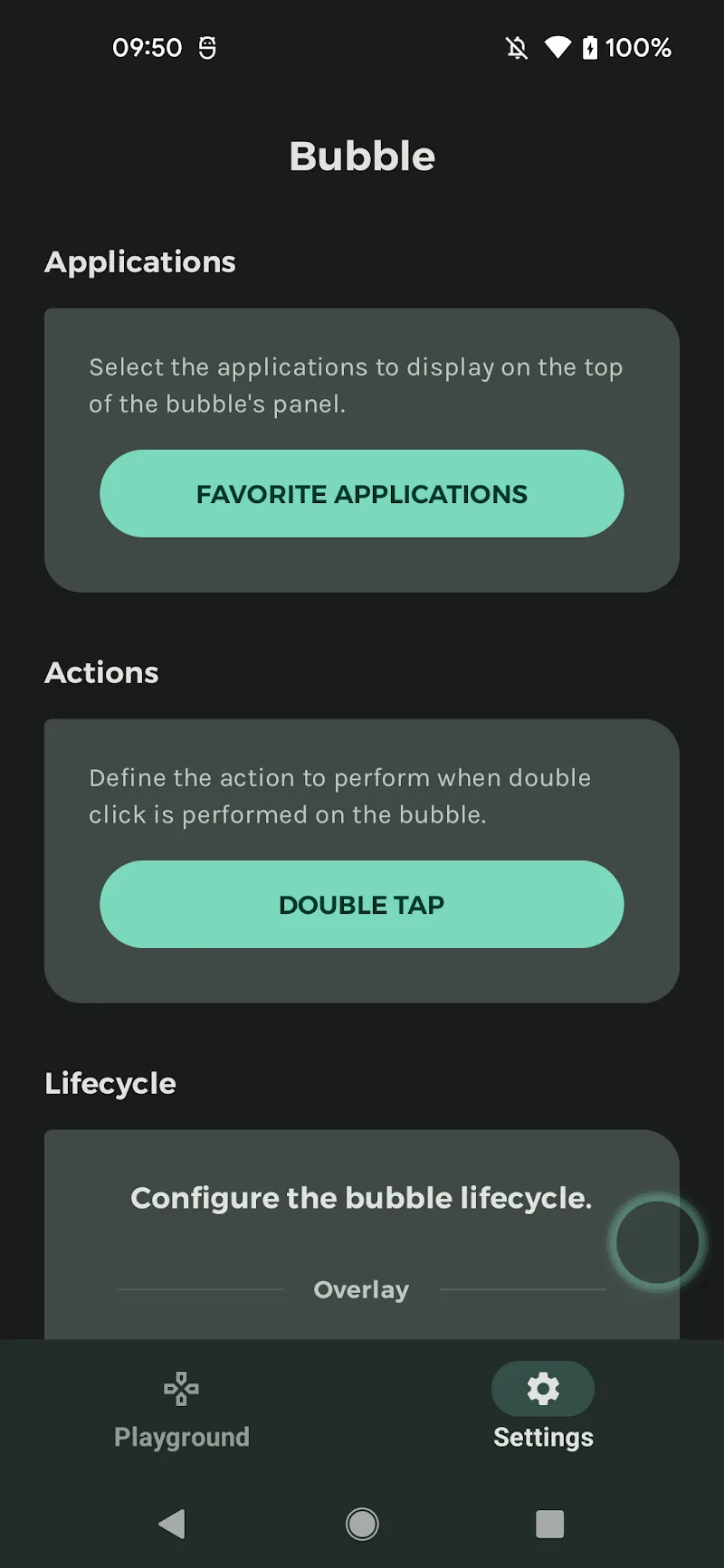
Inspired by iOS’s similar Assistive Control, this app allows users to control the control panel and use their phone in the most convenient way. You can control the device through a pop-up window or perform quick system actions to replace the physical navigation buttons. This smart app is especially useful for one-handed phone use, people with disabilities, or those needing quick assistance.
OUTSTANDING APP FEATURES
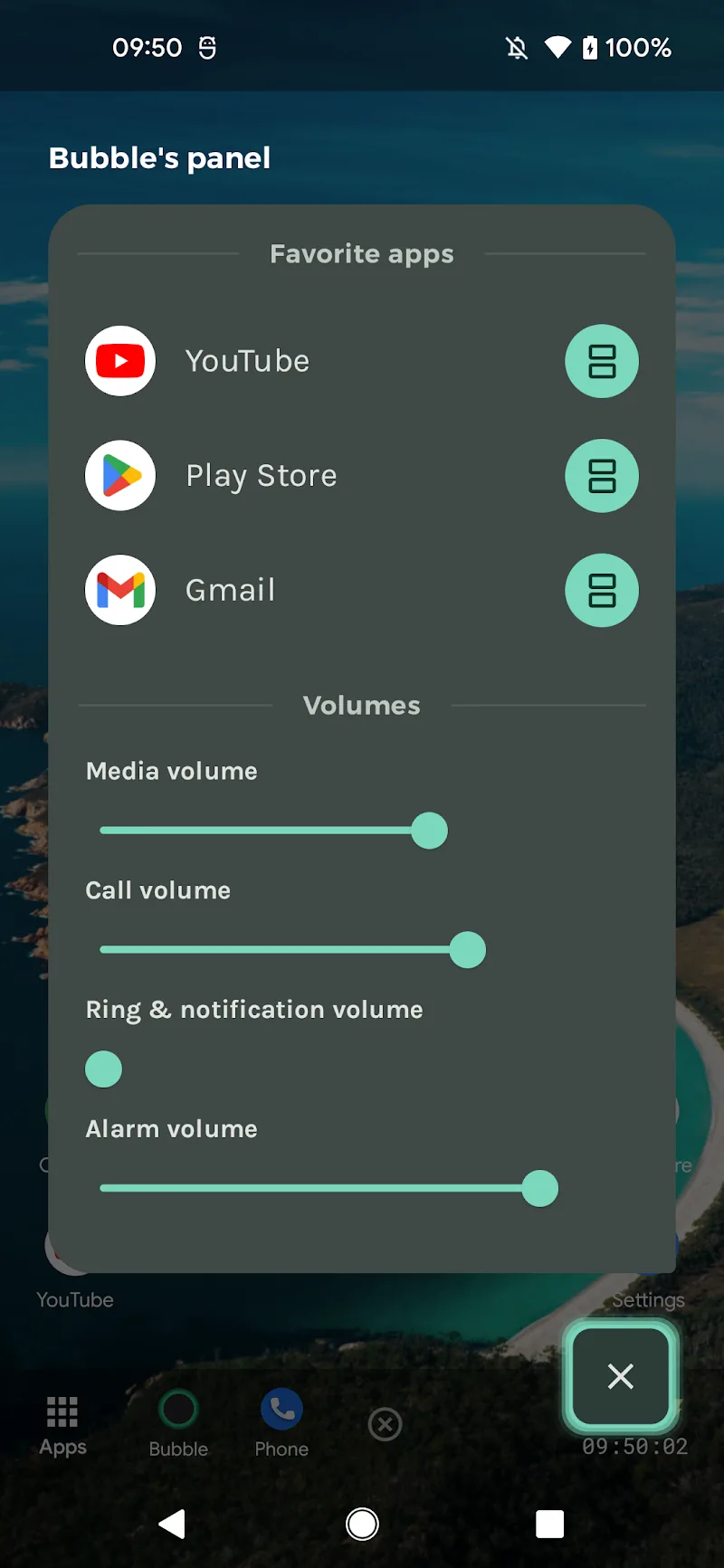
- Screen-flashing bubble widget: With this app, users don’t need to return to the home screen; instead, they can quickly access the control panel, navigate through other features like watching videos, playing games, reading news, etc., while simultaneously opening other apps.
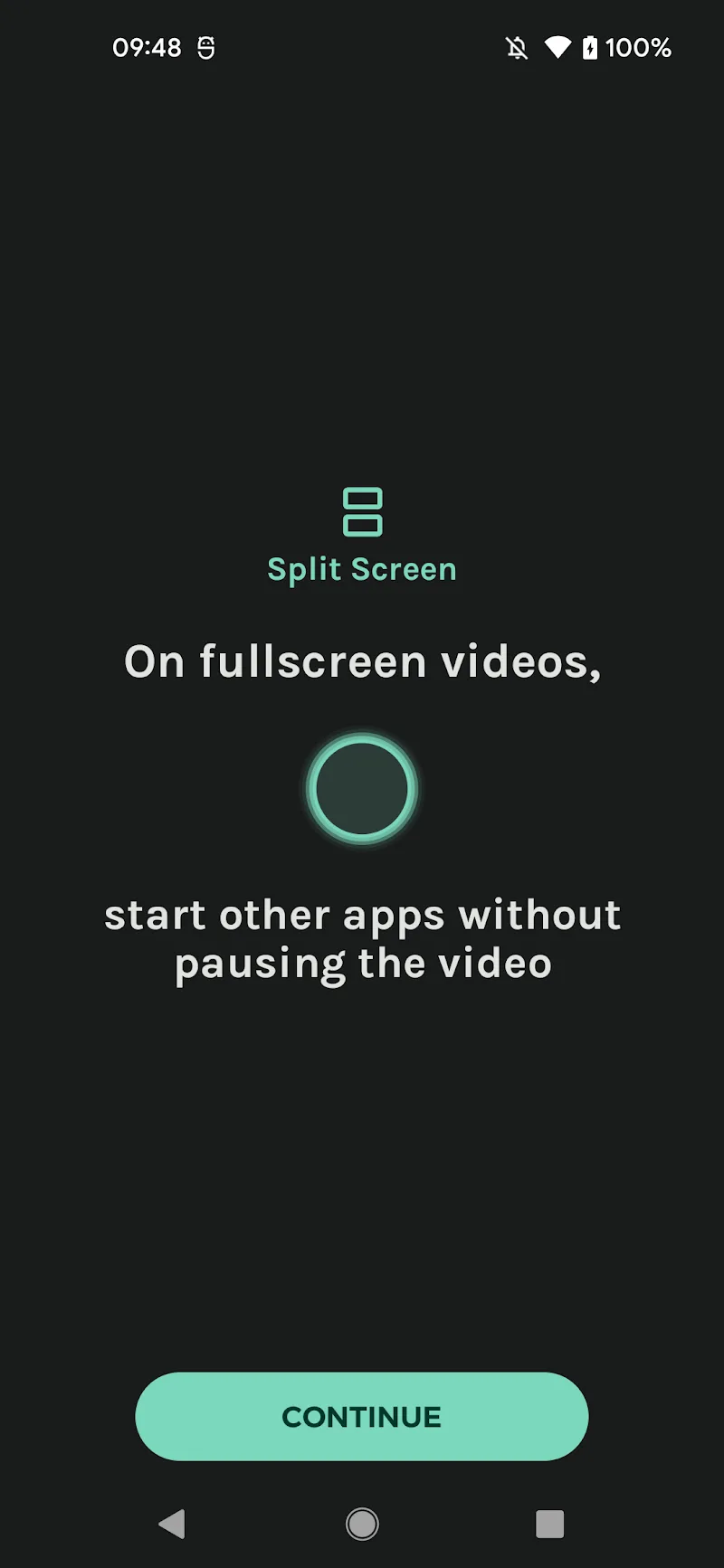
- Smart split-screen: The app allows users to open applications in split-screen mode in just seconds, enabling them to watch videos and chat, study and take notes at the same time.
- Compatible with all interfaces: The Material You app on Android 12+ offers a synchronized, modern, and more visually appealing interface. You can also customize the bubble colors and the control panel automatically changes according to your device’s wallpaper and interface.
SETTING UP USEFUL SHORTCUTS
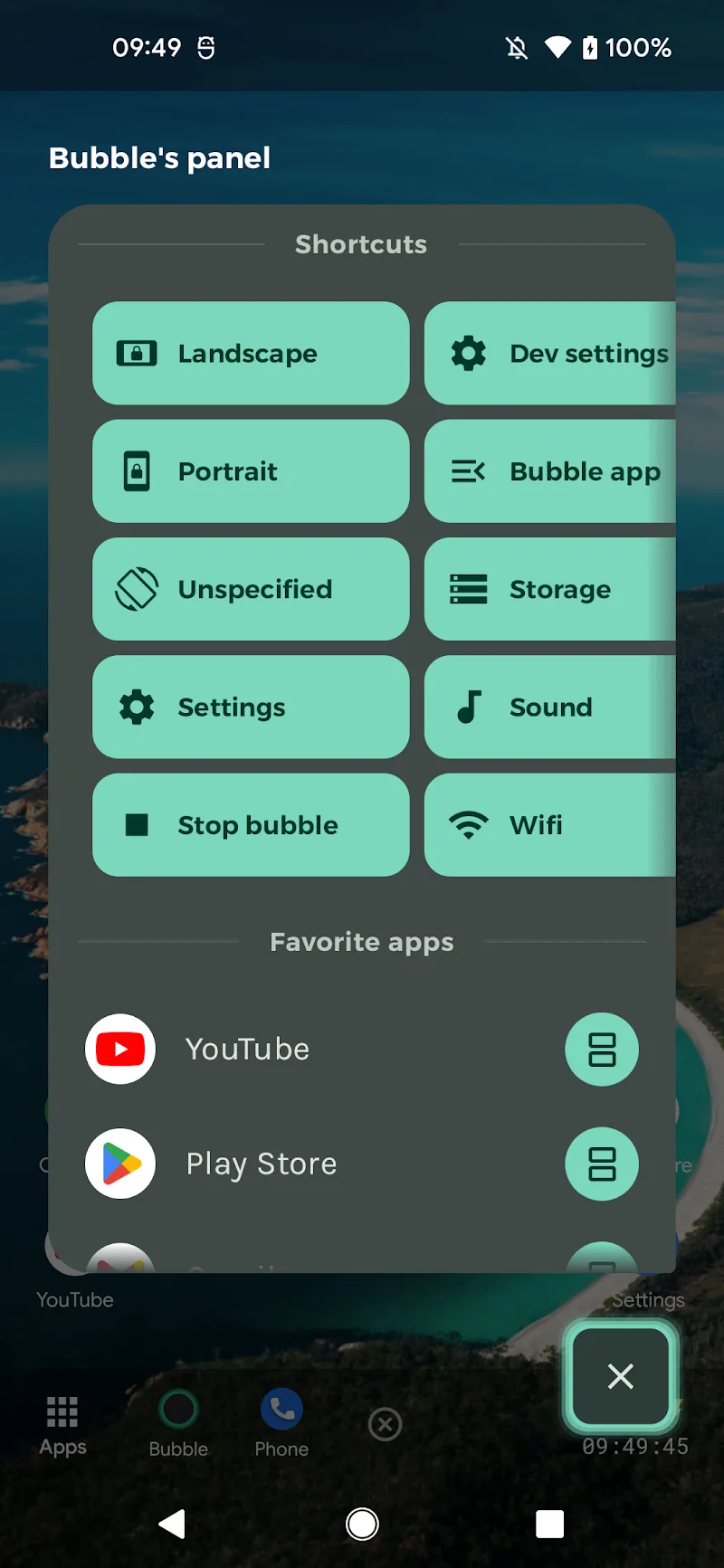
The app is praised for its user-friendly design, supporting quick operations with a flexible set of customizable shortcuts such as:
- Return to home
- Back
- Recent apps
- Increase/decrease volume
- Rotate screen
- Lock/orient screen
- Take screenshot
- Split screen











Comments (0)
No comments yet. Be the first!