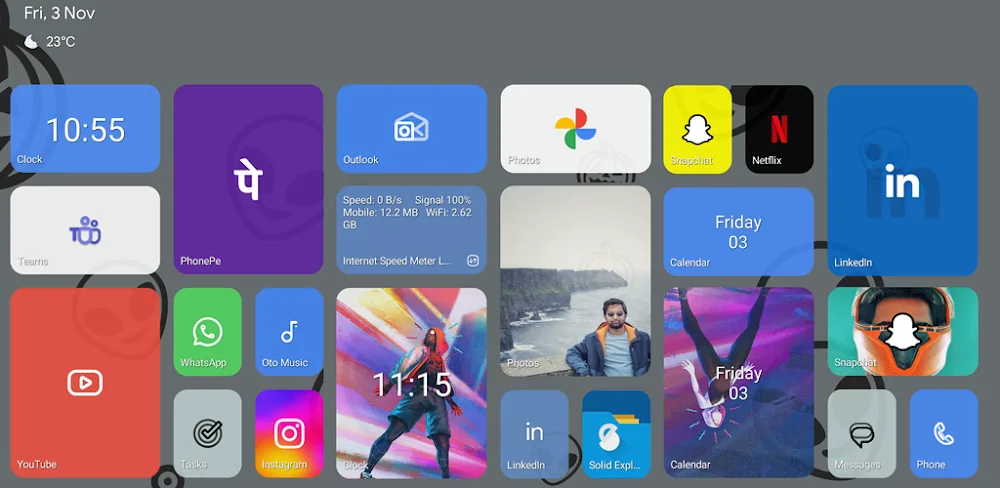

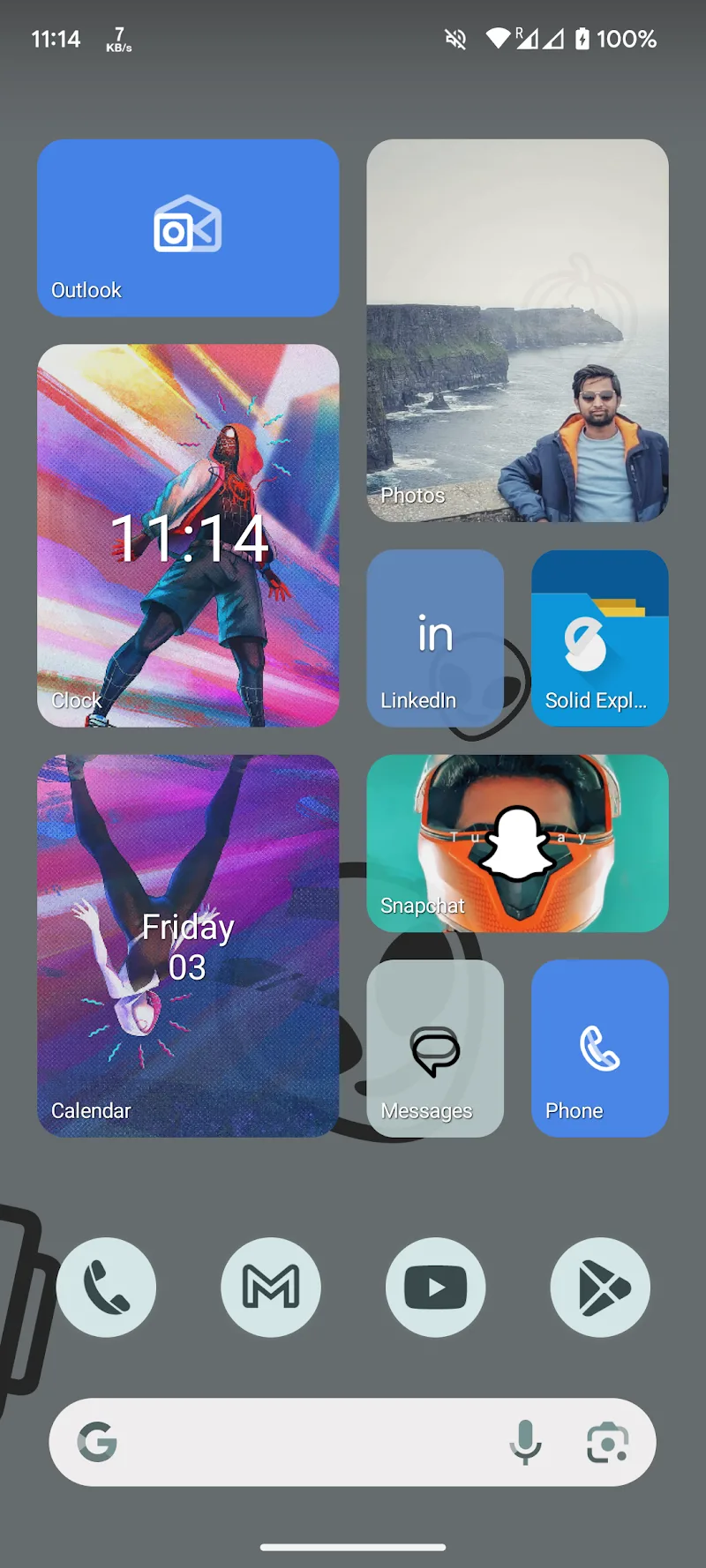
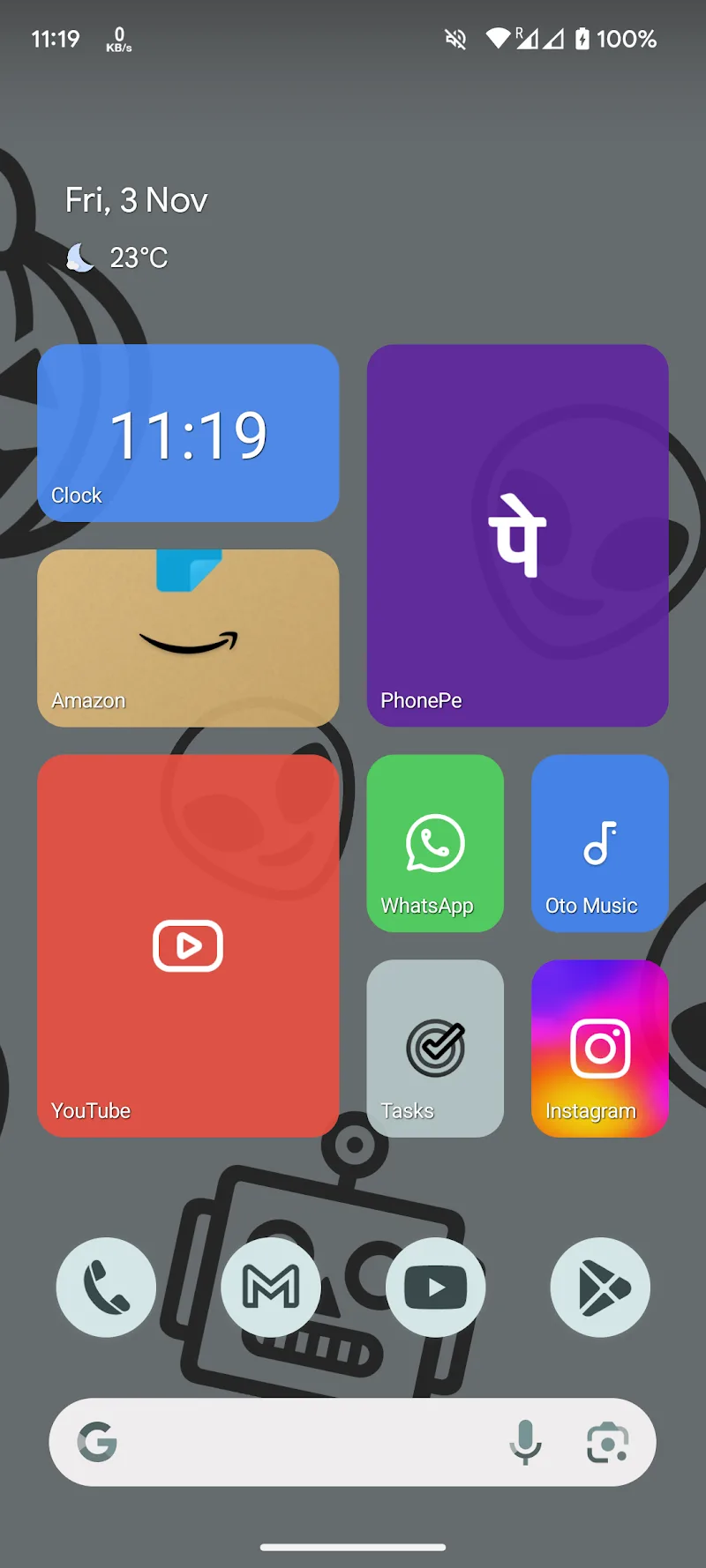
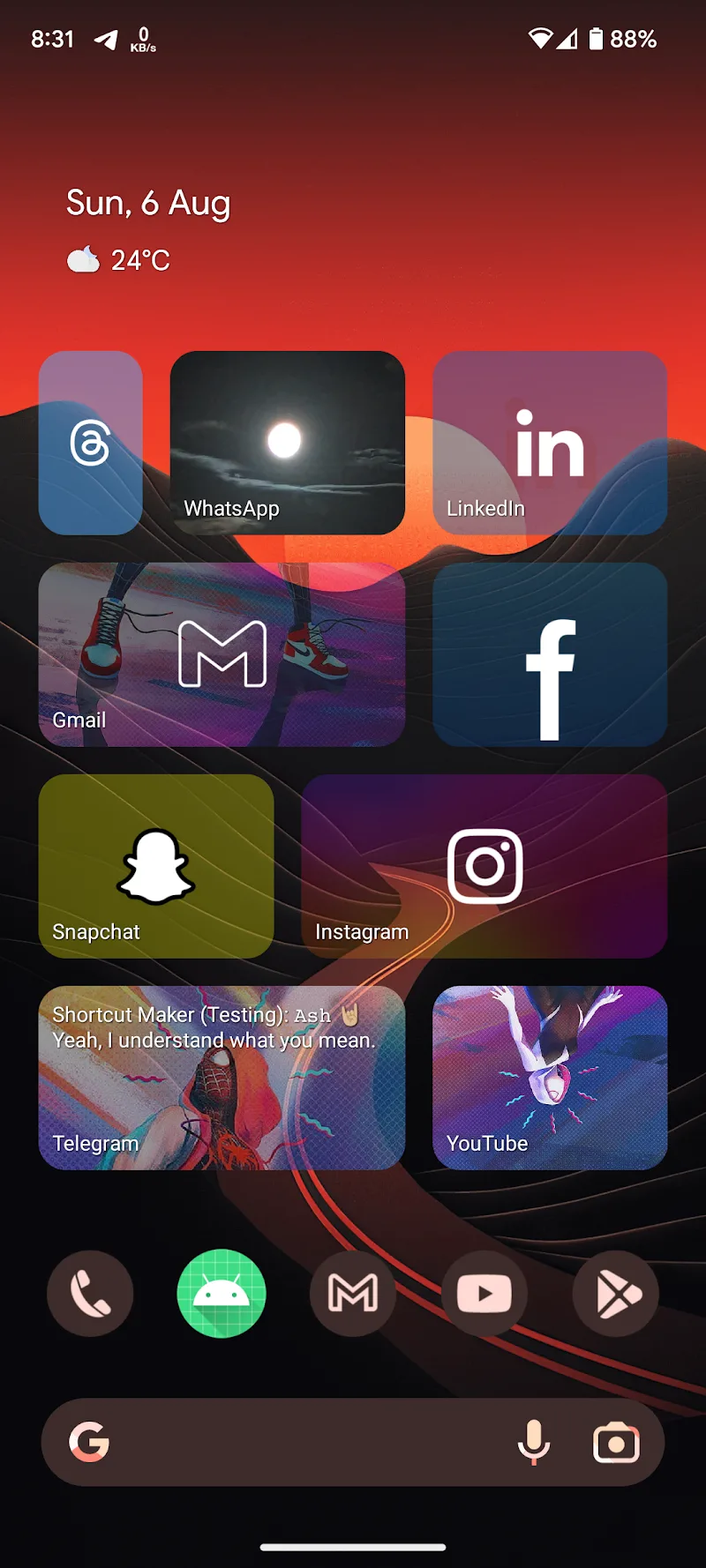

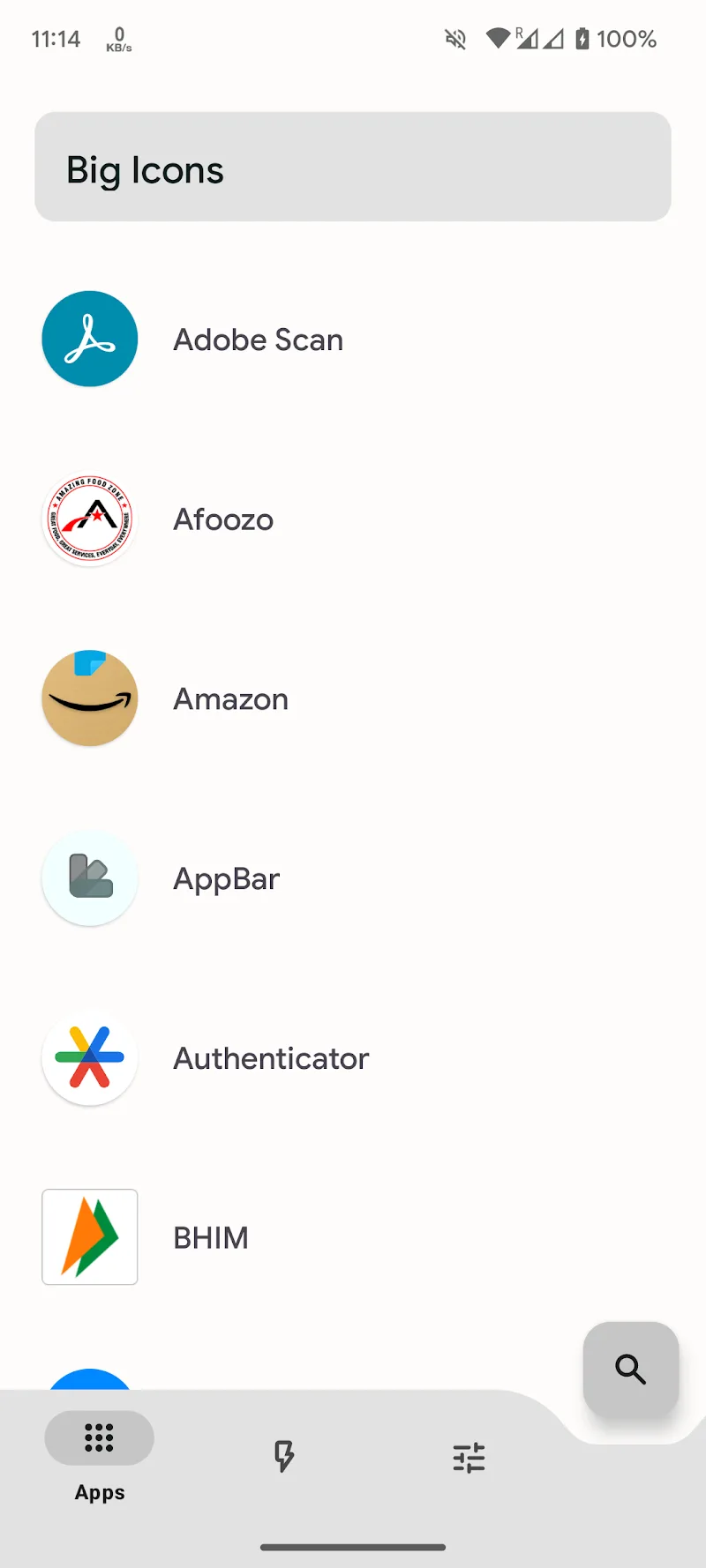

BIG Icons (Live Tiles) (Beta) is an application that allows you to customize and change the details on your device’s home screen to create your own style and increase usability. Our application allows you to quickly change the icon background and supports you with icon packs that you can customize to suit your preferences. In addition, you can customize your own theme and add more utilities to your home screen.
CUSTOM BACKGROUNDS
Our application allows you to customize your wallpaper most conveniently according to your wishes and preferences. You can also customize the color of the icon that you like, and the application also helps you increase the clarity of the application. Moreover, you can use your personal image to create icons.
- Adaptive Icon Clarity: Our application makes the icon background clearer, adapting to the size of the icon to make your phone look more beautiful.
- Color Customization Options: You can also customize the color of the icon according to your preferences and wishes, which helps you personalize your phone wallpaper.
- Personal Image Integration: The application also allows you to take personal images to make your icon wallpaper, making your icons more unique.
ICON PACK SUPPORT
We have added many different icon packs to this application to help you choose the icon packs that suit your preferences. You can customize the icon pack and combine many icon packs together. Moreover, you can easily switch the application’s interface and theme.
- Diverse Icon Customization: Our app allows you to combine different icons in each hybrid icon pack to create your own style.
- App Appearance Transformation: You can change the app interface to suit your style and preferences quickly and easily.
- Easy Theme Switching: You can also easily switch themes in different icons to increase the uniqueness of the icons in your phone device.










Comments (0)
No comments yet. Be the first!