
AUTOMATIC TAG EDITOR – EFFORTLESSLY ORGANIZE YOUR MUSIC LIBRARY
Tired of manually filling in music metadata one track at a time? Automatic Tag Editor takes the grunt work out of organizing your library by intelligently scanning songs and recommending accurate tags. Just tap to instantly apply titles, artists, albums, genres and more in seconds. Read on to see how Automatic Tag Editor makes tidy metadata as easy as one click.
INTELLIGENT SONG ANALYSIS
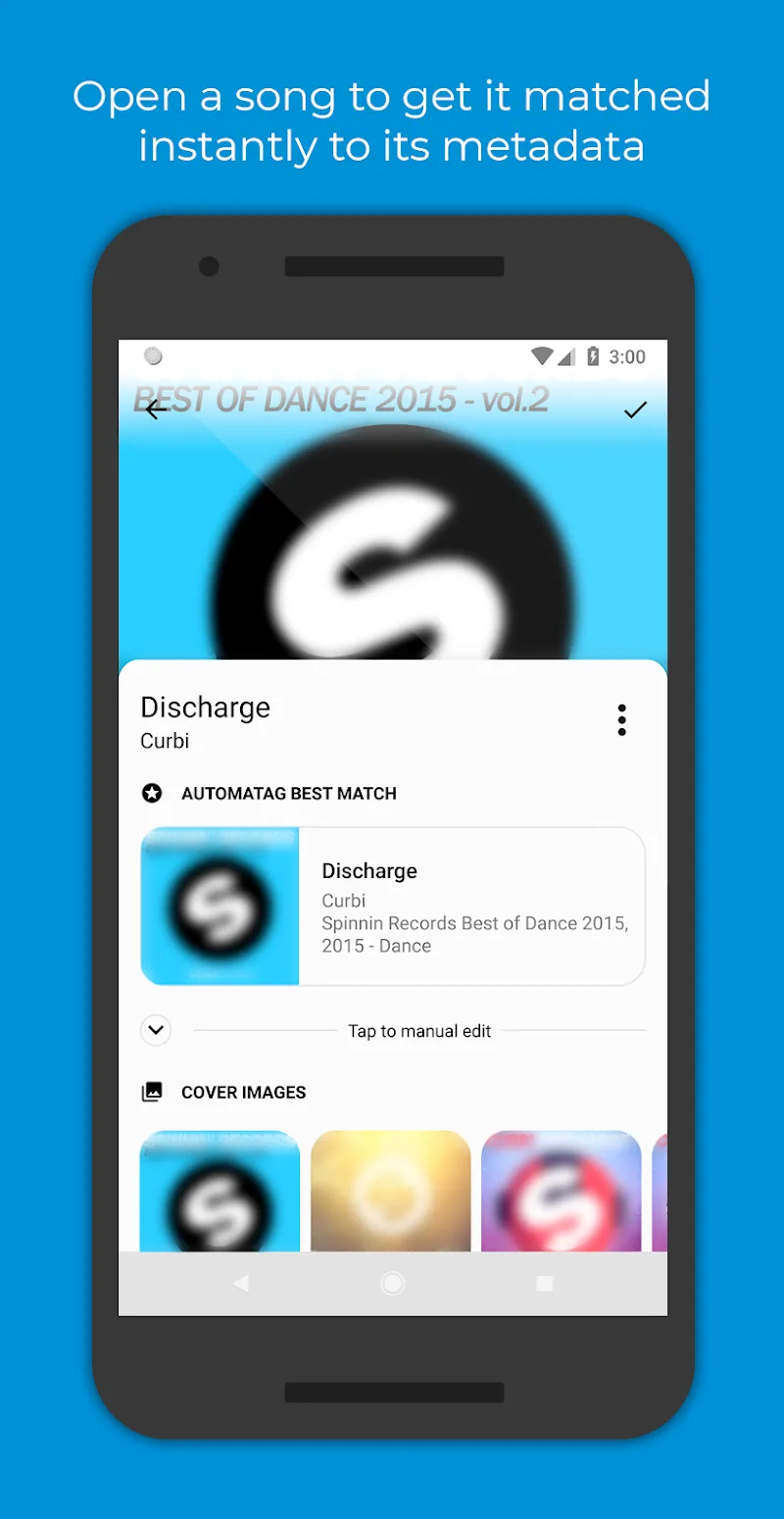
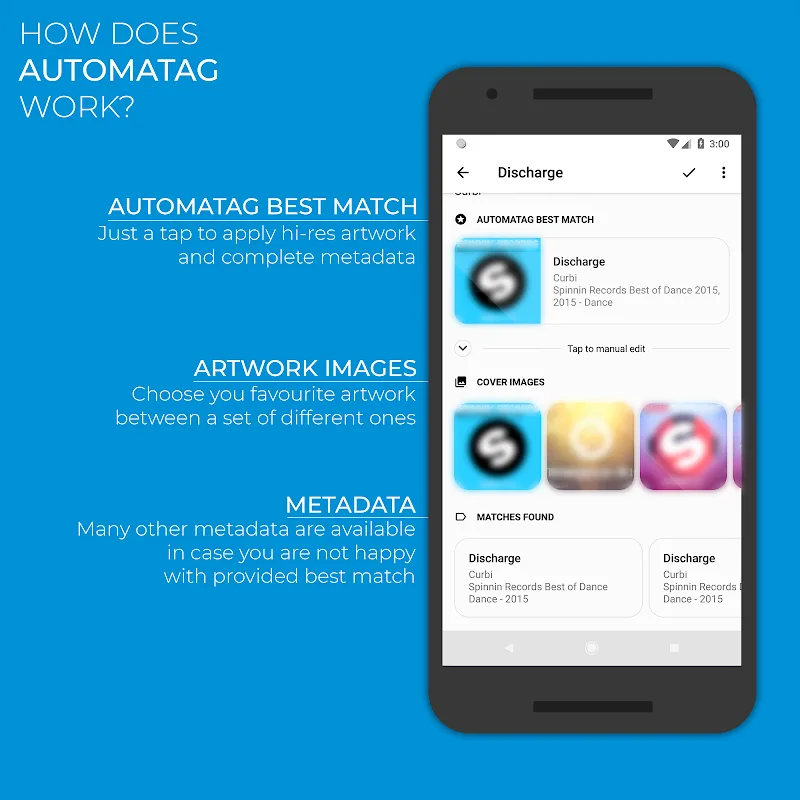
The magic of Automatic Tag Editor lies in its smart audio analysis algorithms. It listens to your untagged tracks and cross-references acoustic fingerprints against online databases to identify likely metadata matches. The app then presents the best match for simple one-tap application. Just like that, your track has neatly organized title, artist, album and other tags applied. The intelligent analysis saves countless hours compared to manual editing.
HUGE TAG VARIETY
To truly organize your library, Automatic Tag Editor supports editing all key metadata fields. Fill in track titles, artist names, release years, genres, album art – you name it. Fix duplicate songs by consolidating into one unified album. Add lyrics so you can sing along to favorites. With comprehensive tagging, your library looks clean, orderly and uniform. The broad tag support leaves no metadata stone unturned.
AUTO COVER ART SEARCH
Finding high quality cover art can be a chore – let Automatic Tag Editor provide options automatically. After applying tags, it will suggest cleanly extracted cover art from the web to match the album and artist. Just review and select your favorite with one tap to embed eye-catching art. Now your library looks as great as it sounds! The cover art search works batch by batch to keep your library’s visuals consistently on point.
SUPPORTS MULTIPLE FORMATS
Automatic Tag Editor handles all major audio formats like MP3, M4A, FLAC, OGG, WMA and more. Standardize those chaotic “Miscellaneous” folders by applying consistent tags across file types in one go. Your whole media collection achieves uniformity. And your metadata stays embedded when transferring files between devices, thanks to updating tracks directly rather than just the indexes.
SD CARD SUPPORT
Many media apps neglect SD card content, but not Automatic Tag Editor. It digs into external storage to clean up any musical messiness. Sync SD content with cleanly organized internal storage through unified tagging. Wherever your tracks are located, Automatic Tag Editor has your back in creating media bliss. No file is left behind!
INTUITIVE DESIGN
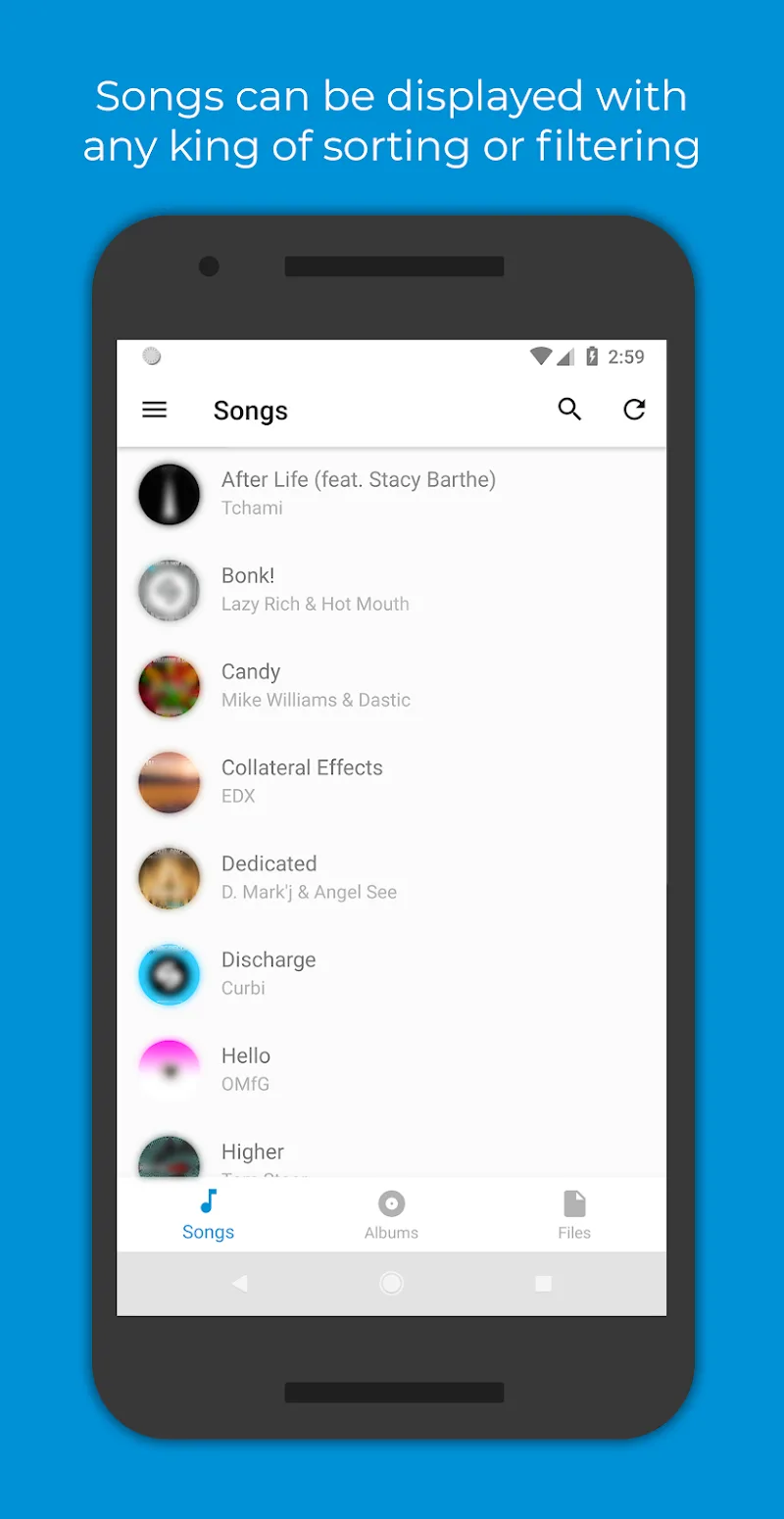
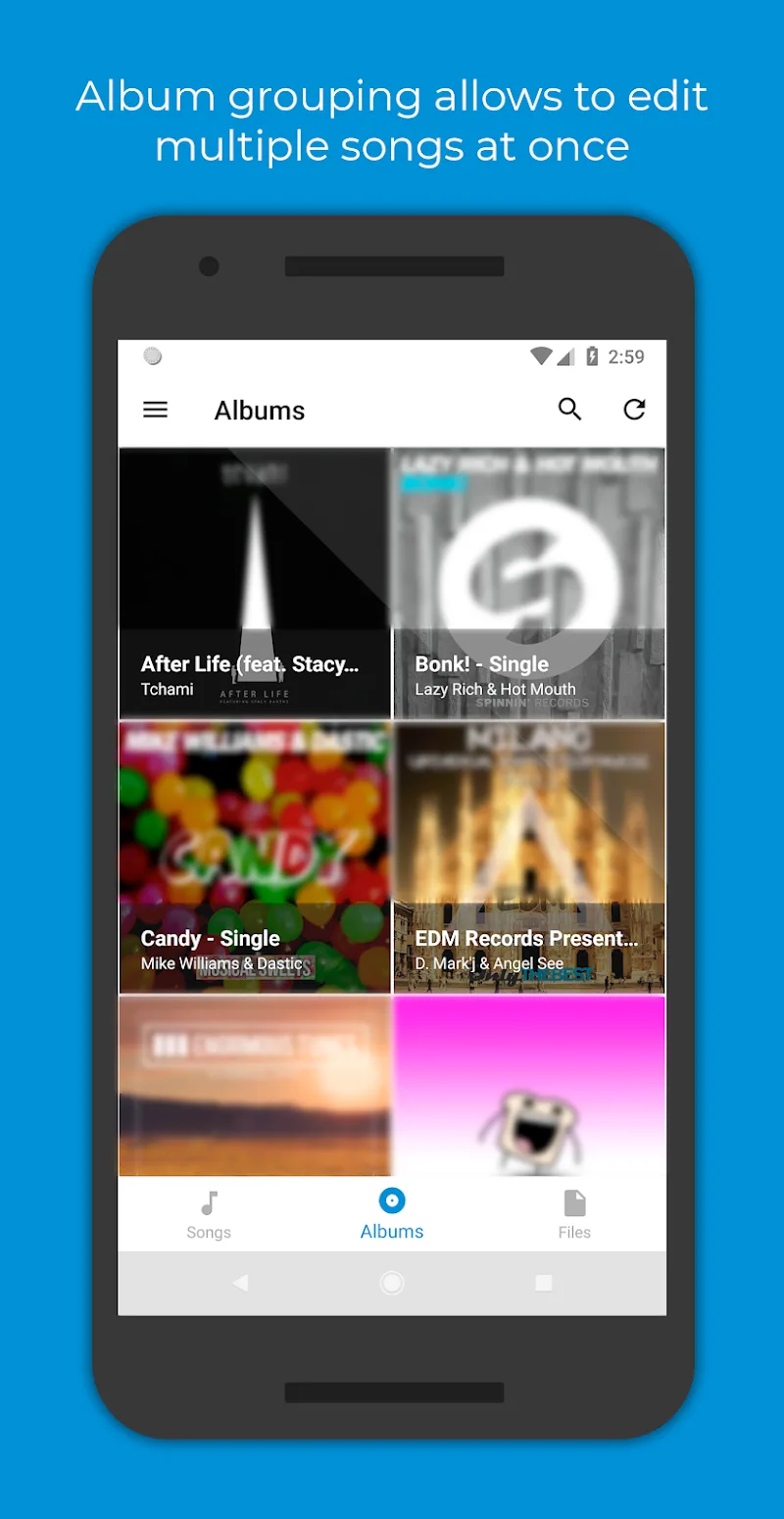
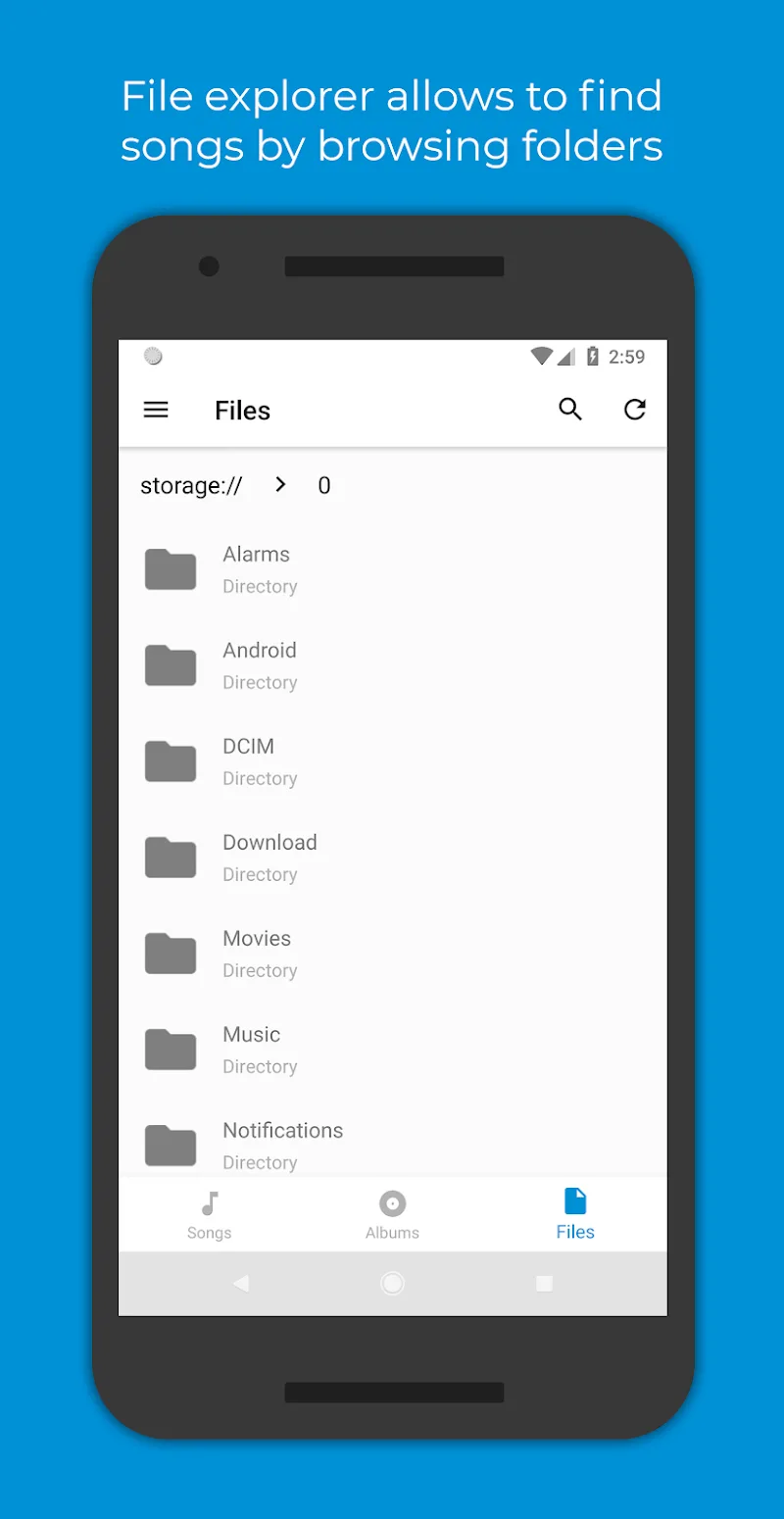
Despite its advanced capabilities, Automatic Tag Editor maintains a user-friendly workflow. The uncluttered interface makes observing analysis and applying recommendations painless. Handy sorting and search filters help isolate untagged tracks. Ongoing notifications provide status updates on background analysis. The thoughtful design enhances the automation without complexity.
For anyone seeking to impose order on their media library, Automatic Tag Editor is a magic wand for infusing metadata in seconds. Let automation eliminate the drudgery of manual tagging so you can get back to enjoying your tunes!










Comments (0)
No comments yet. Be the first!