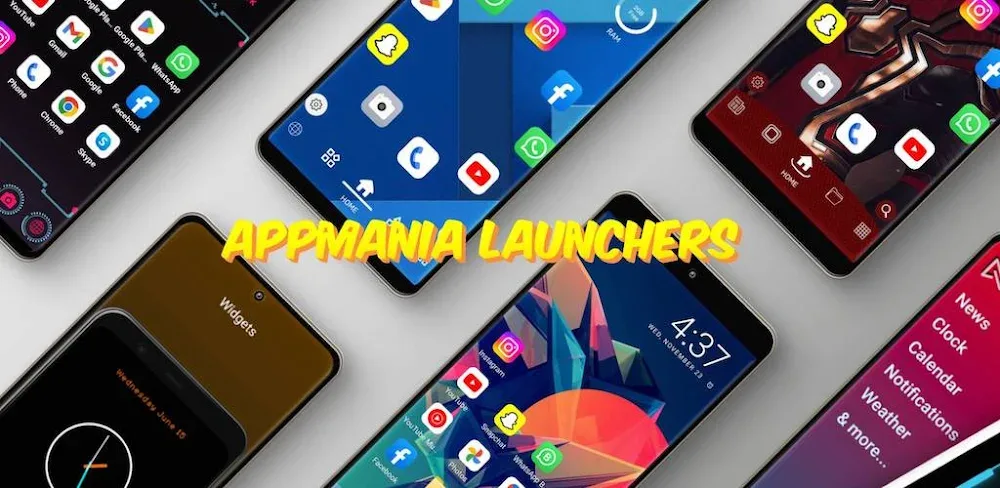

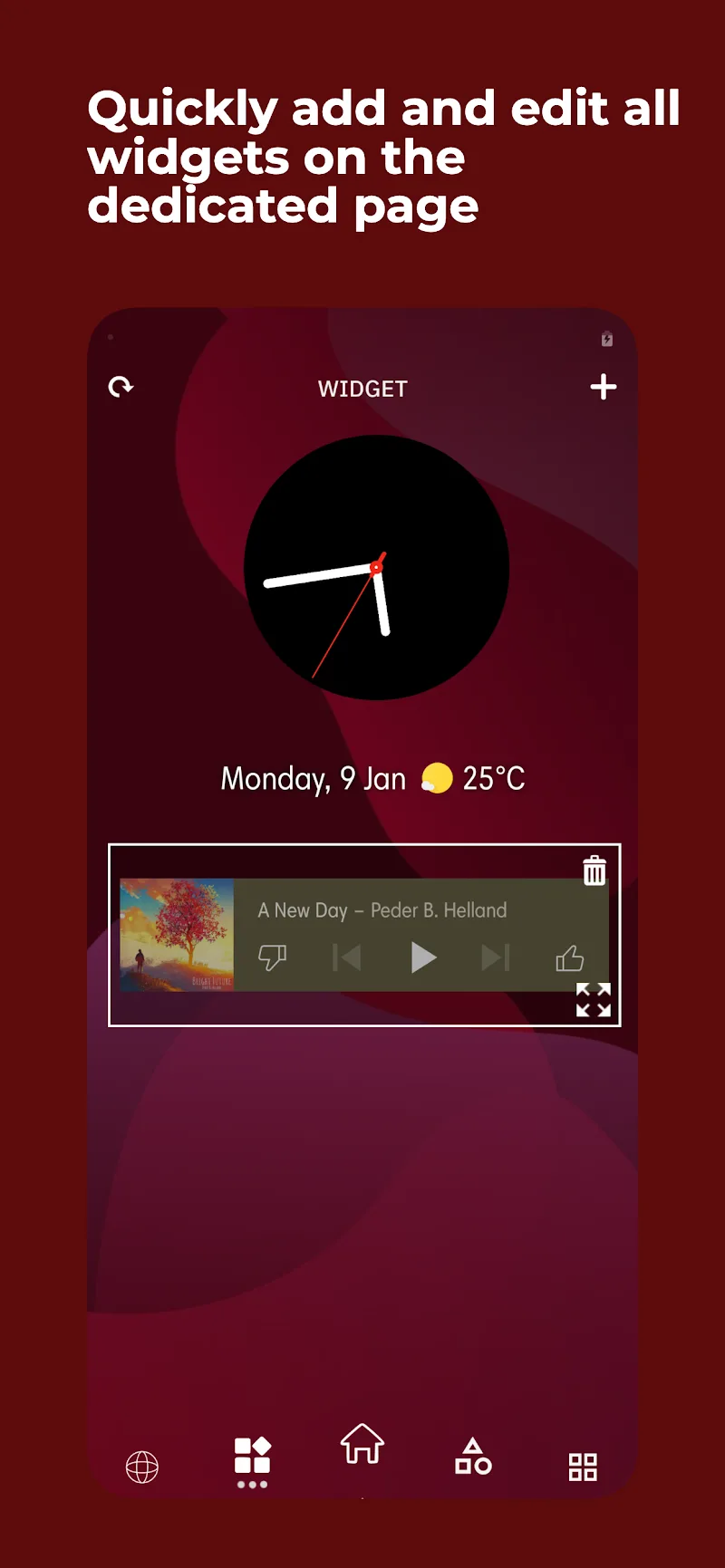
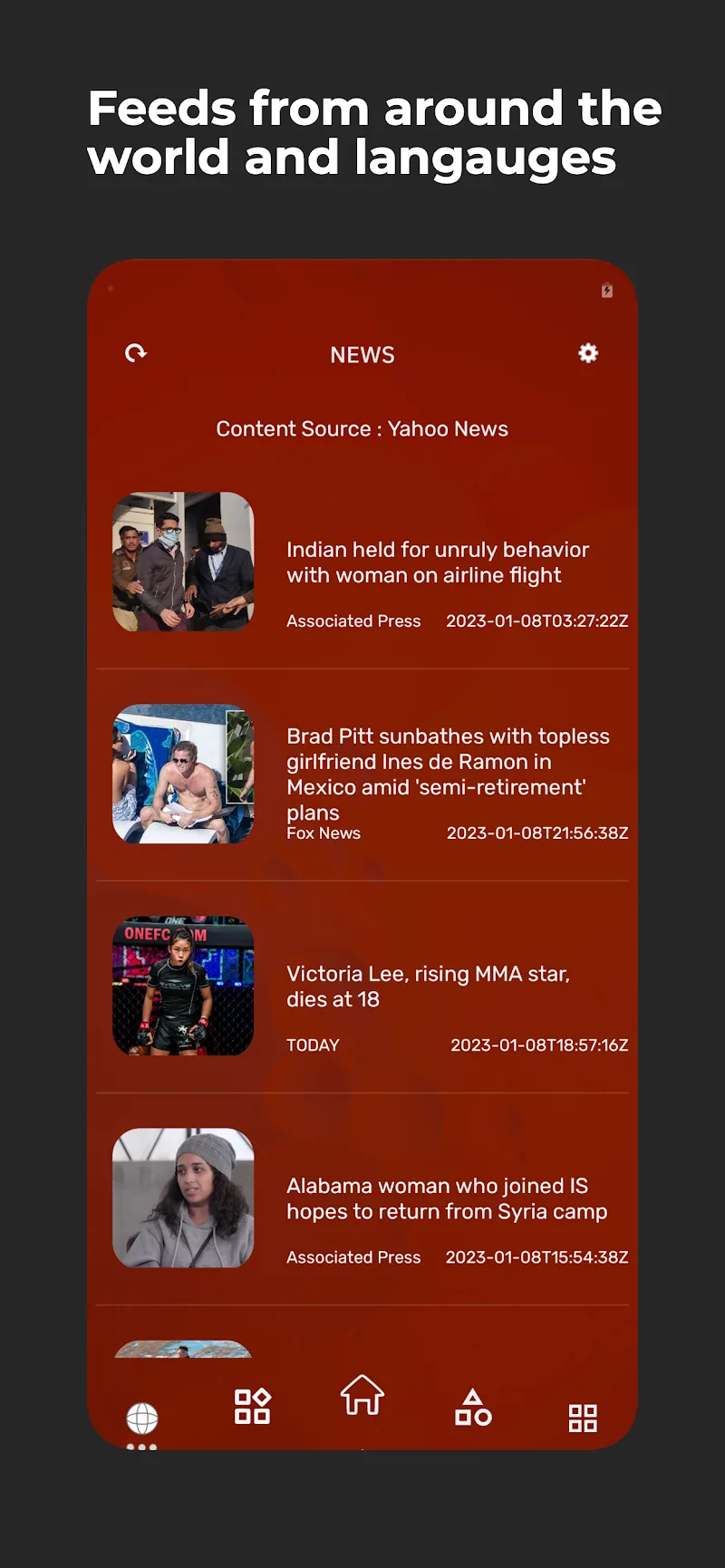
Ace Smart Launcher is a very beautiful, stylish and colorful launcher for your Android devices, the application allows users to change the background color and icons, as well as the layout of the applications and folders on the home screen. Users can be used to customize the home screen, design the screen interface to look impressive and unique, besides, you can also use many different icon packs and themes, to get a new look for your Android device.
This application is a great choice for those who are looking for personalization and efficiency on their mobile device browser, Ace Smart Launcher allows flexible use on any of your smartphones with a streamlined design and modern interface that ensures the most optimal user experience but still brings a unique style.
SIMPLE BUT OUTSTANDINGLY EFFECTIVE FUNCTION
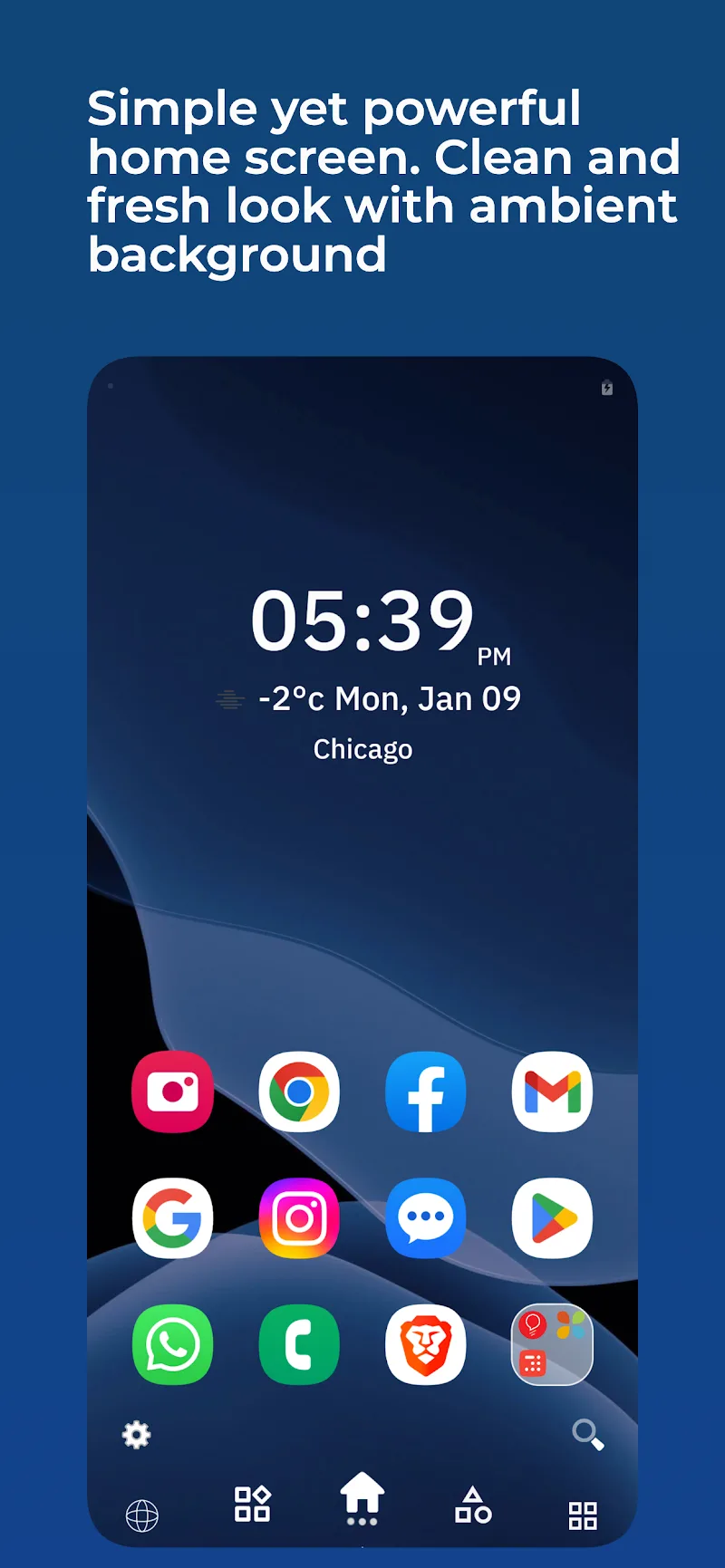
After many years of upgrading and developing, Ace Smart Launcher has been perfected with an eye-catching home page interface design, inspired by science fiction, allowing quick access to favorite applications, weather widget with city or postal code search function, clock widget and detailed information about performance as well as device usage.
In addition, the application is loved for its features such as icon pack integration, application name display on/off and advanced search capabilities for extremely efficient navigation. Ace Smart Launcher also provides an effective search function with smart AI processor to serve to find applications, contacts or online information, helping to simplify your experience.
PERSONALIZED CUSTOMIZATION INTERFACE
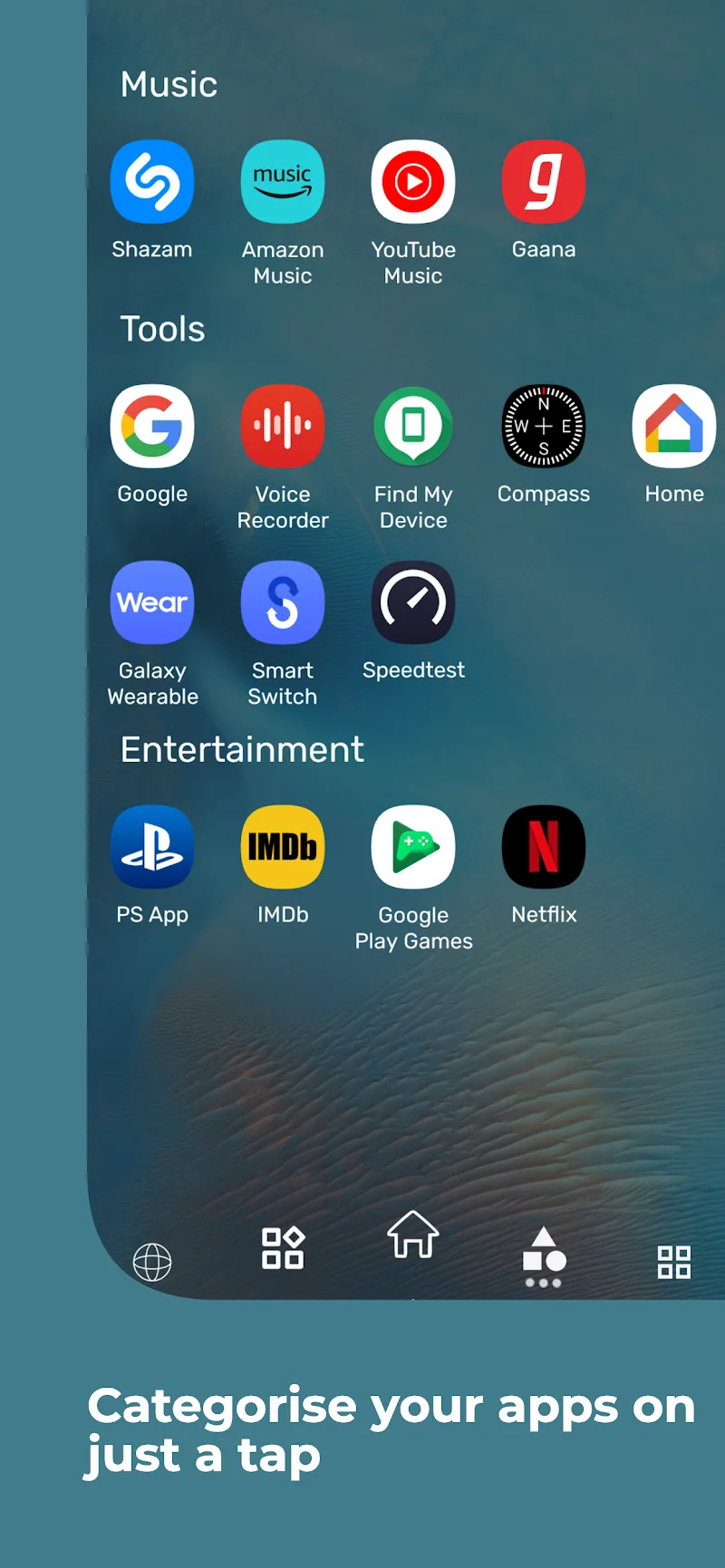
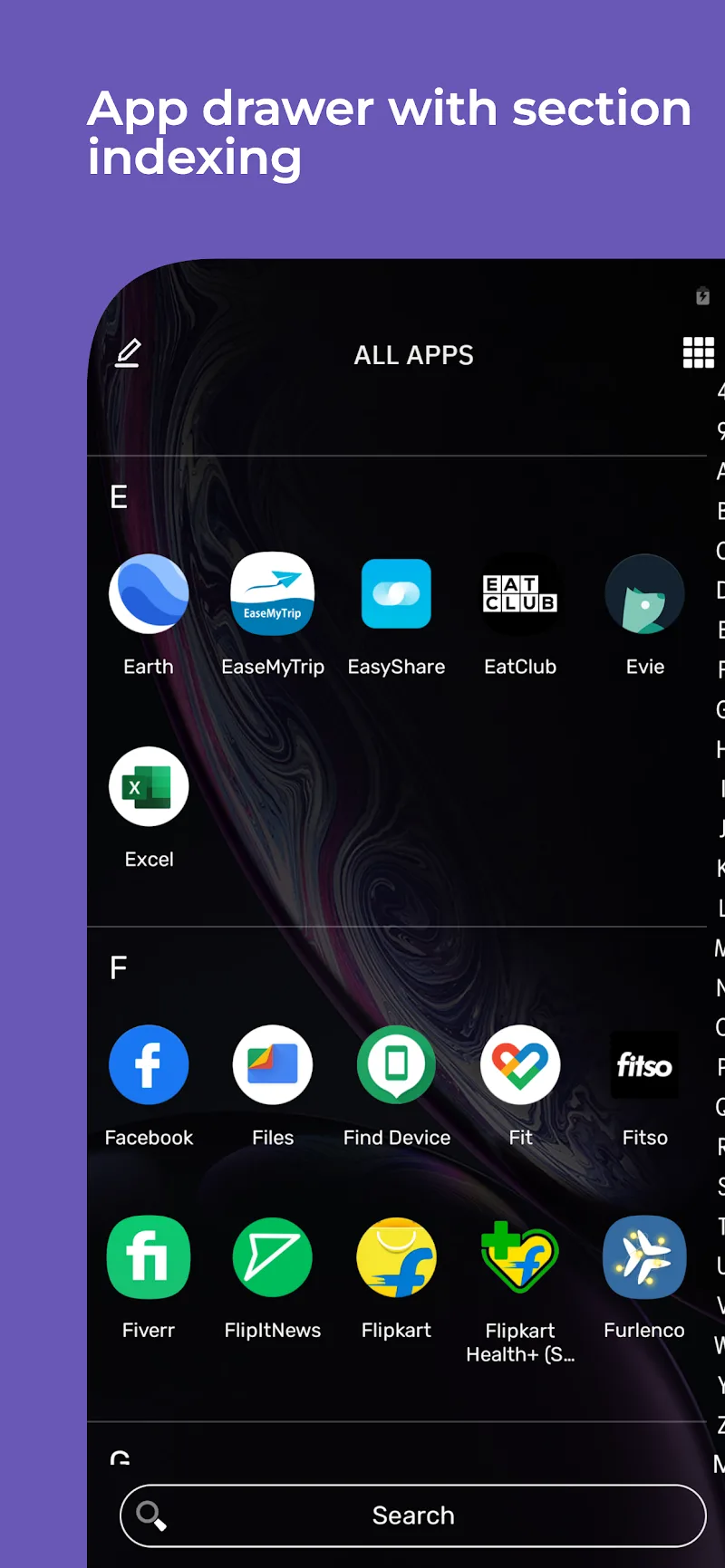
Ace Smart Launcher allows users to customize extensively, including wallpapers, themes, fonts and icon packs, to meet the diverse preferences and needs of users. The interface of the category pages is intelligently arranged, simplifying access to social networks. The application page interface provides both list or grid view, fast scrolling with alphabetical index and filters to sort applications by installation date or name depending on the user’s choice.
We also emphasize user security and develop Ace Smart Launcher with a secure app lock feature with fingerprint or PIN code, plus the ability to hide applications with a secret app drawer. Our application also supports resizing and integration of system and third-party utilities, giving you full control over the device interface. Furthermore, the integrated news feed keeps you updated faster, recognizing and providing customized categories with smart location filtering.












Comments (0)
No comments yet. Be the first!